filament-alerts
Send notification to users using notification templates and multi notification channels, it's support Filament Native Notification Service with macro, and a full integration to FCM service worker notifications
Extends filament
composer require tomatophp/filament-alerts- database
- discord
- fcm
- filamentphp
- filamentphp-plugin
- integration
- message-bird
Readme
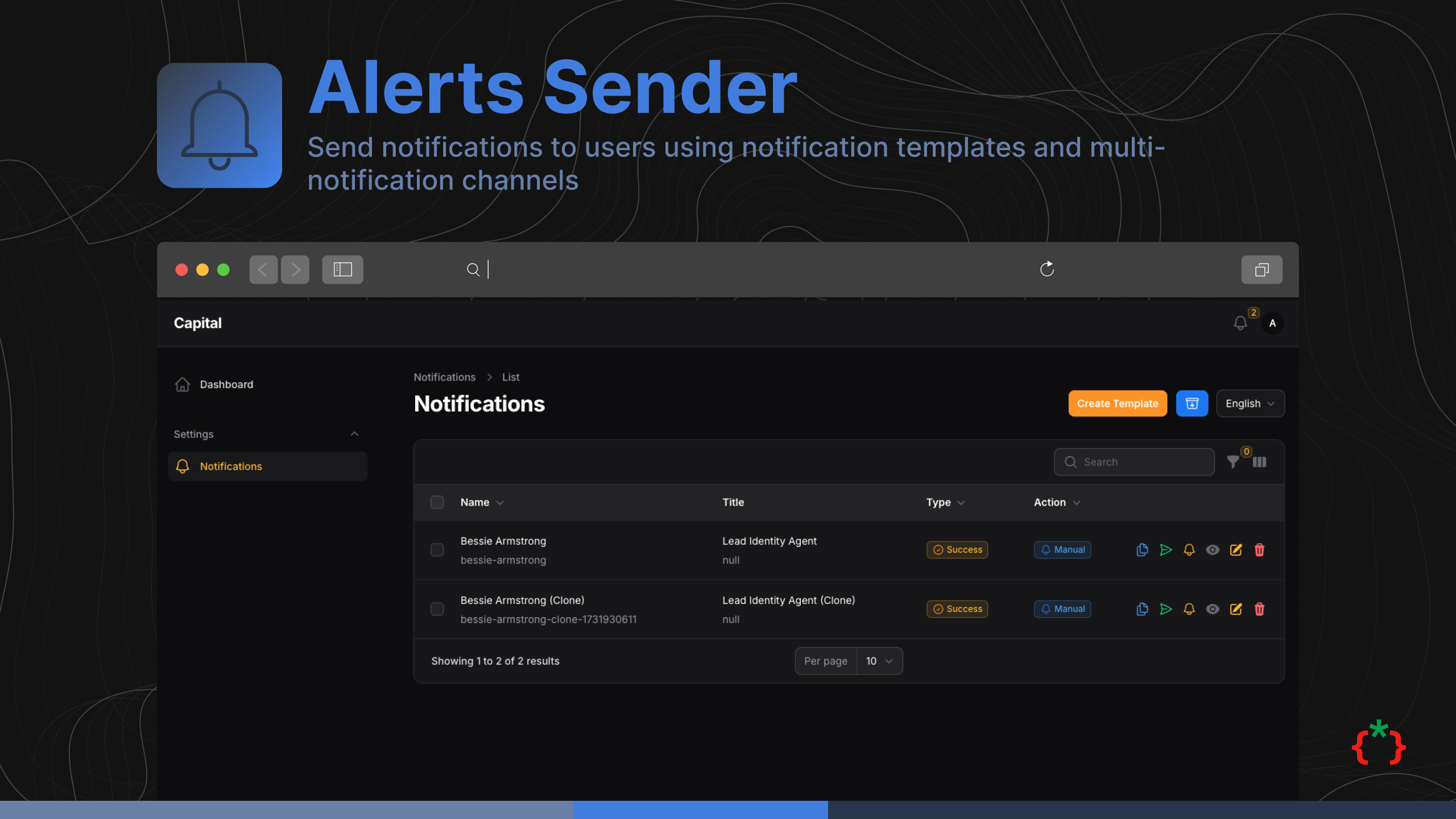
Filament Alerts Sender



Send notification to users using notification templates and multi notification channels, it's support Filament Native Notification Service with macro, and a full integration to FCM service worker notifications
Features
- Send Notification to users using drivers
- Use Filament Native Notification
- Use Notification Templates
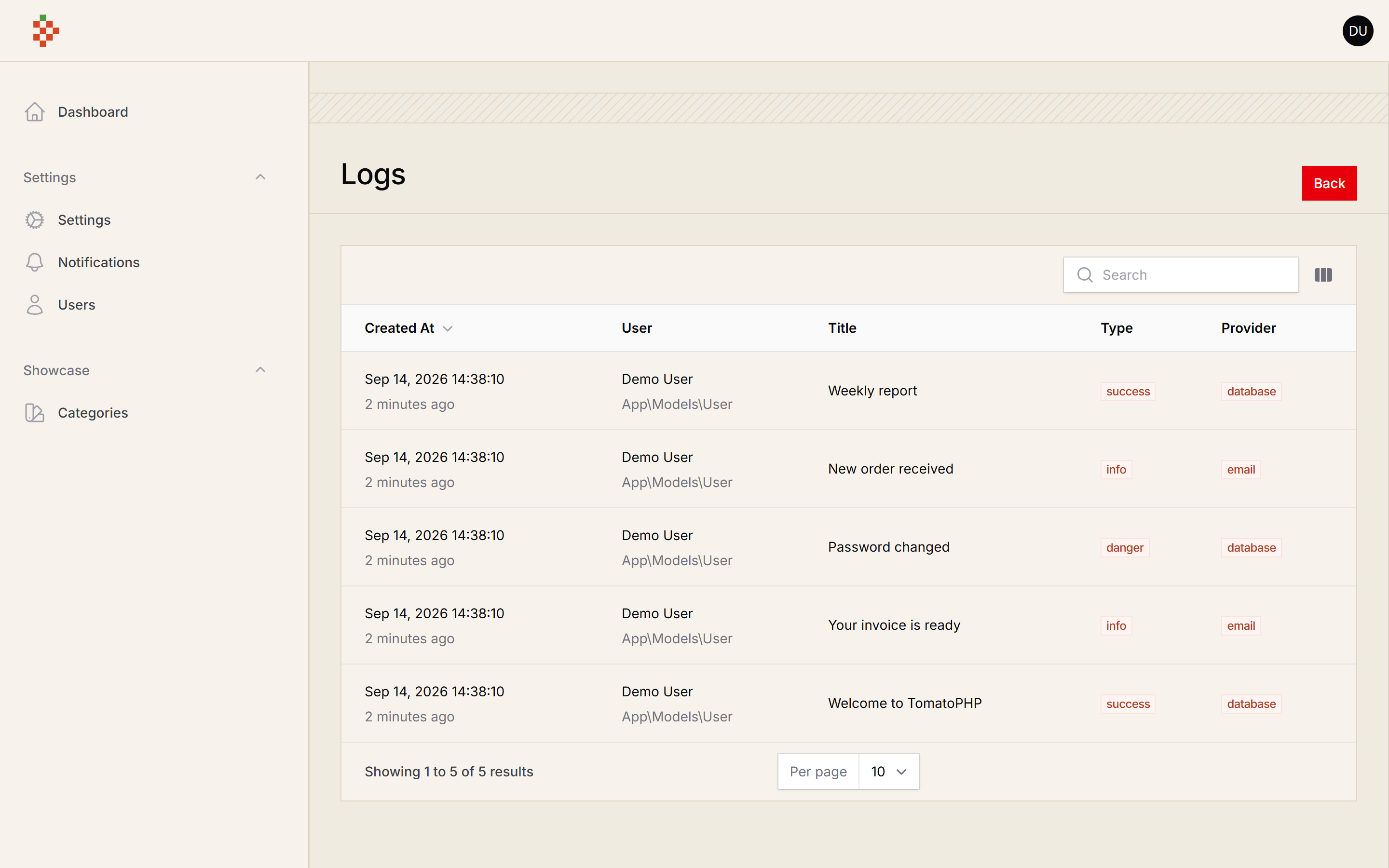
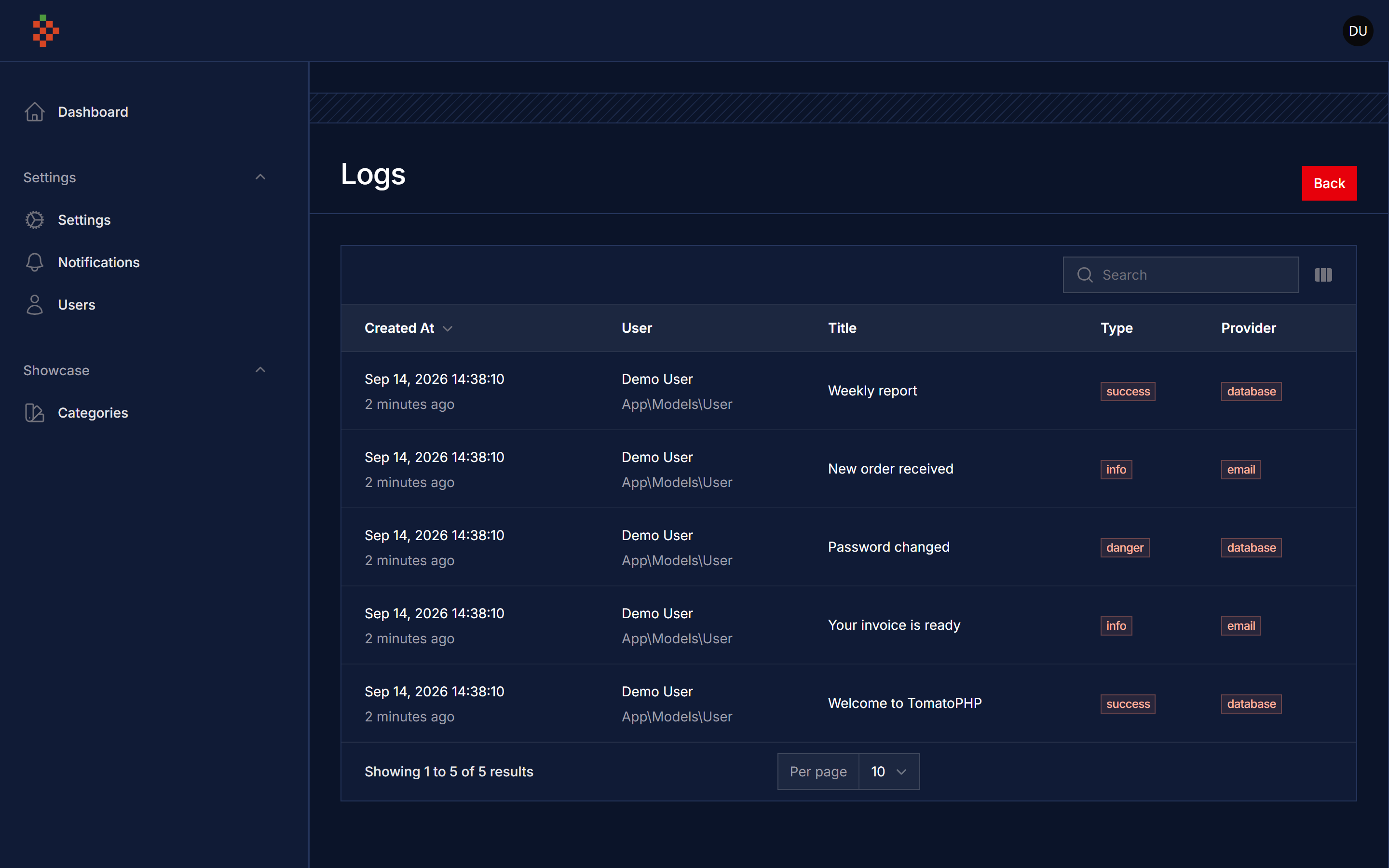
- Notification Logs
- Use Multiple Notification Channels
- Hide Notifications Resources
- Use Database Driver
- Use Email Driver
- Custom Driver Register
- Custom Type Register
- Custom Action Register
- Multi Users Register
- Register Notification Templates
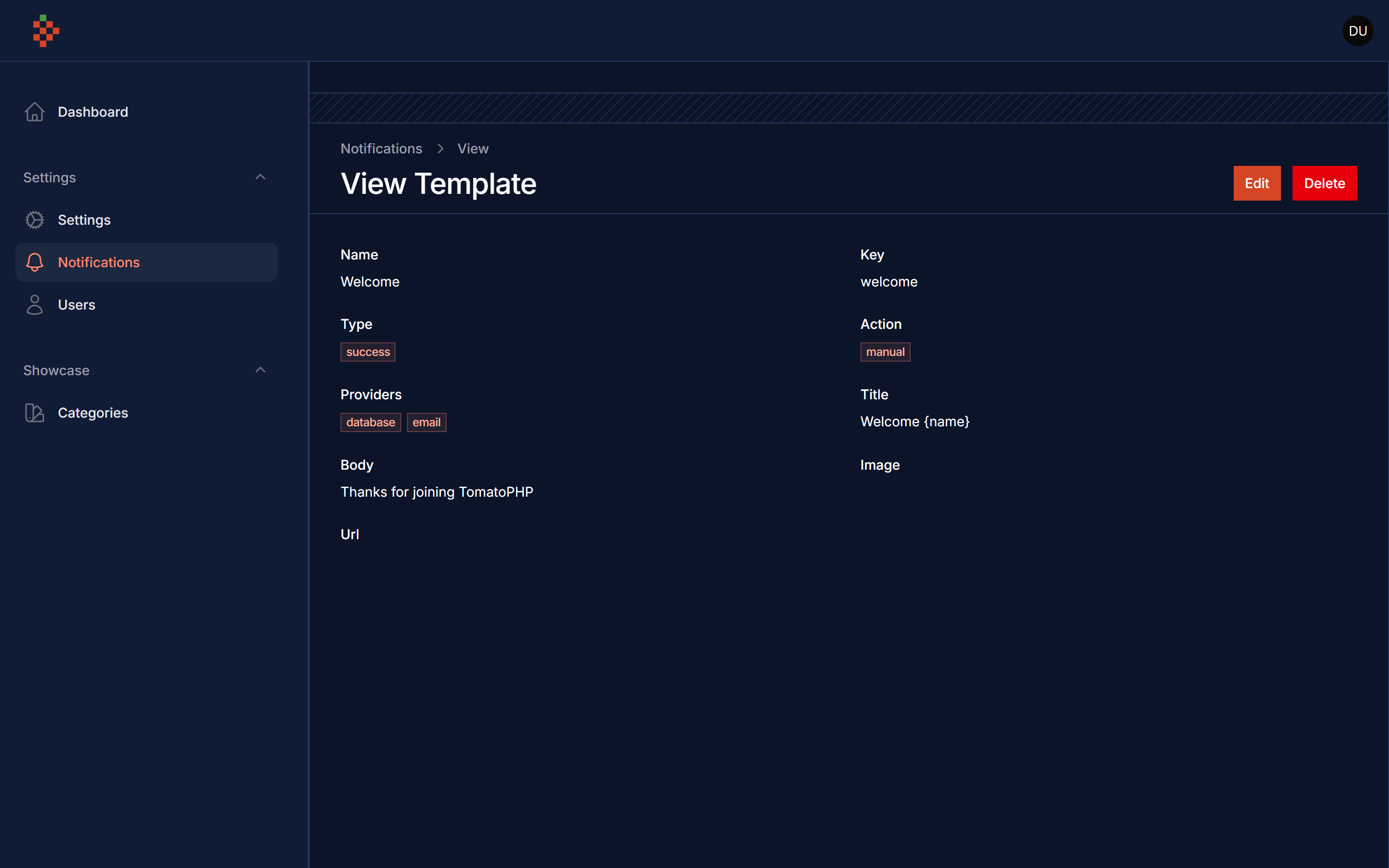
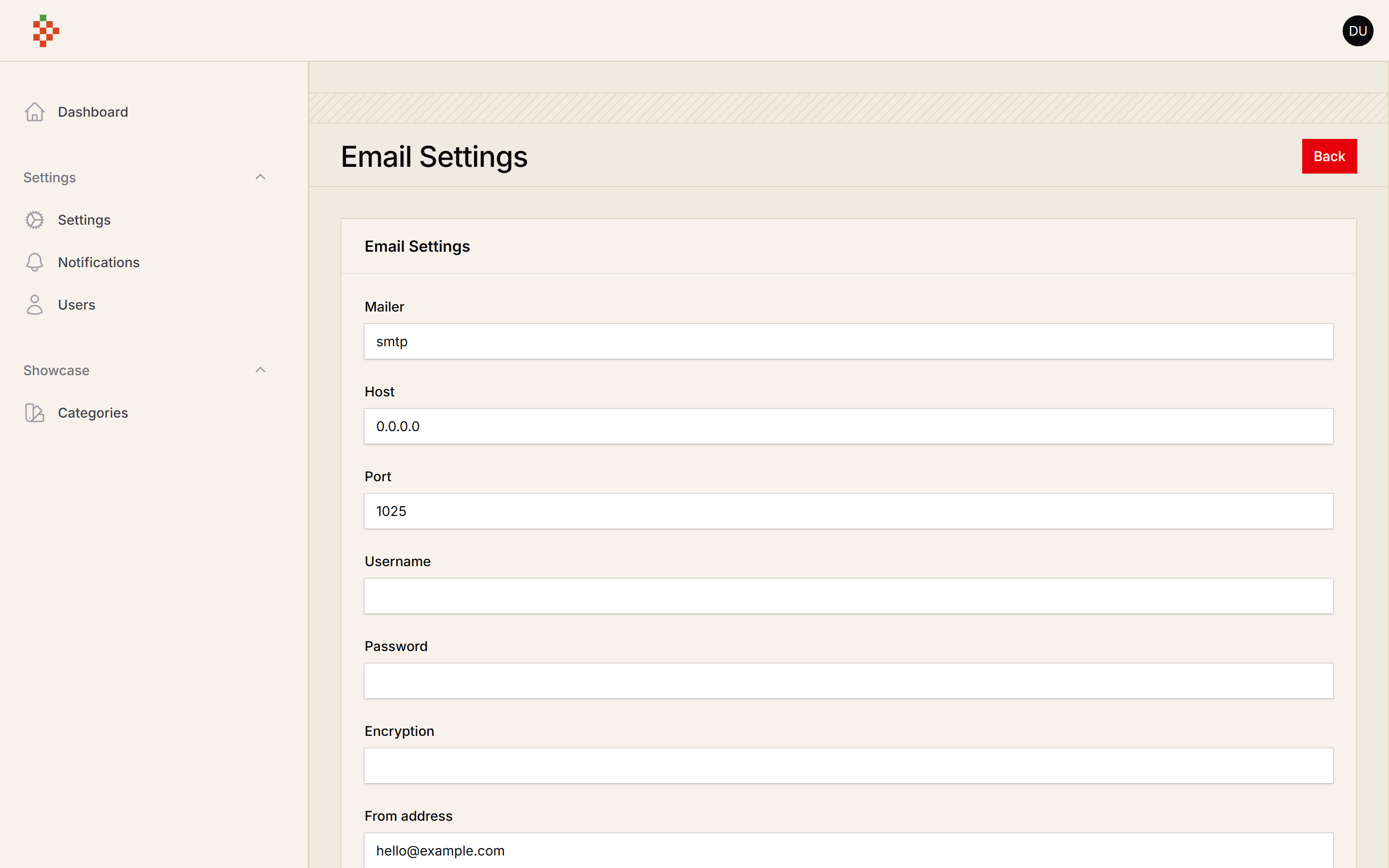
Screenshots
| Light | Dark |
|---|---|
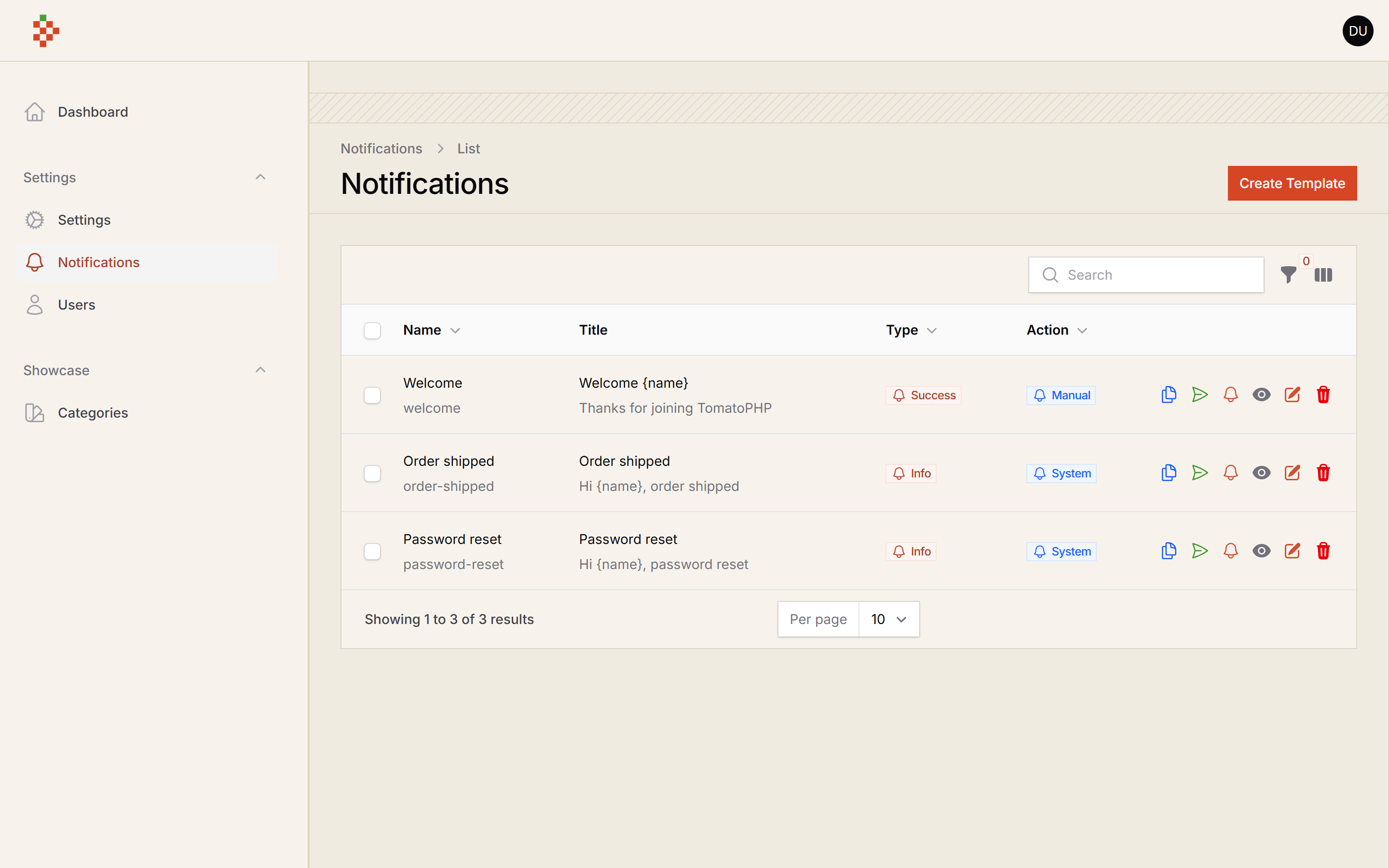 | 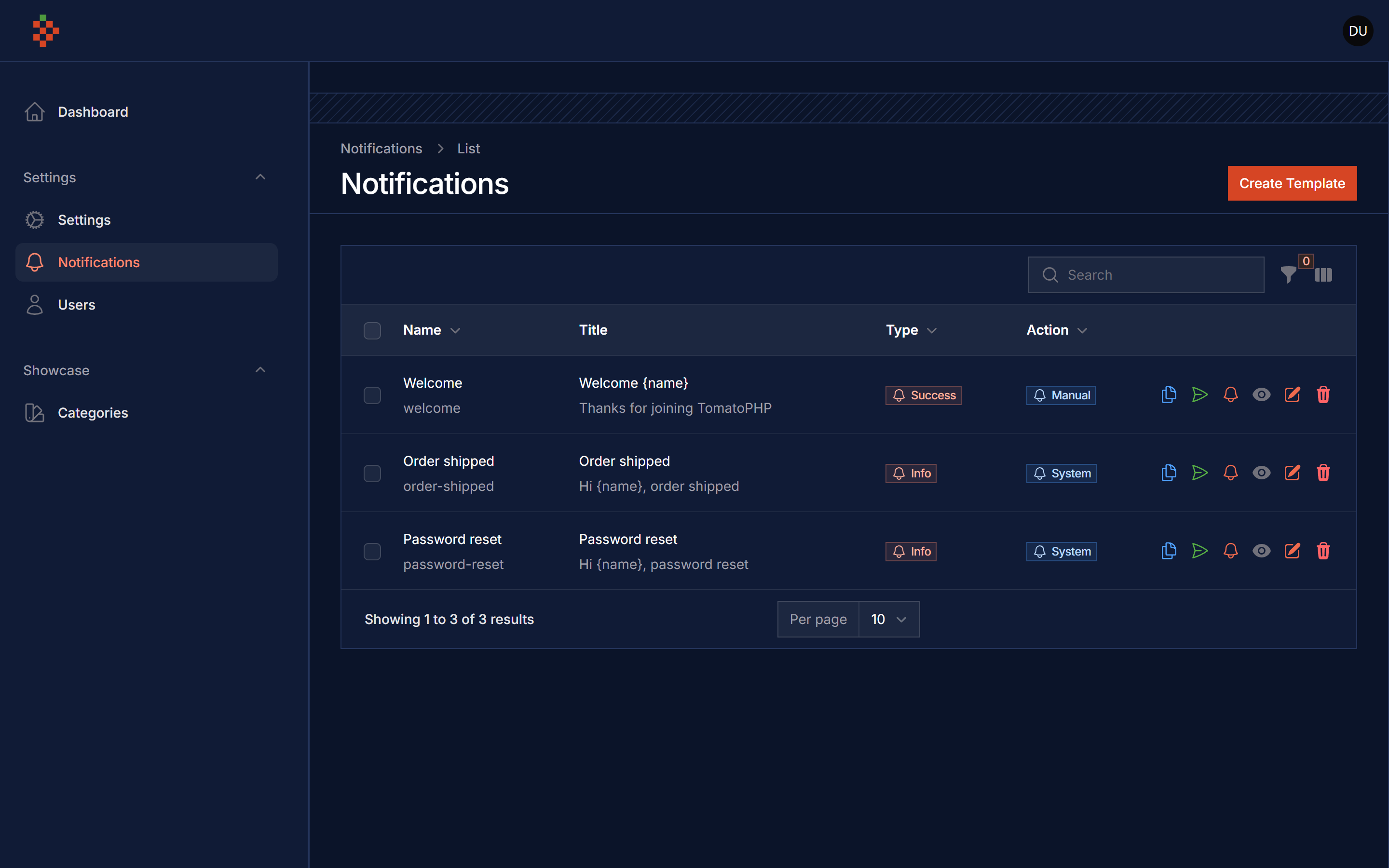 |
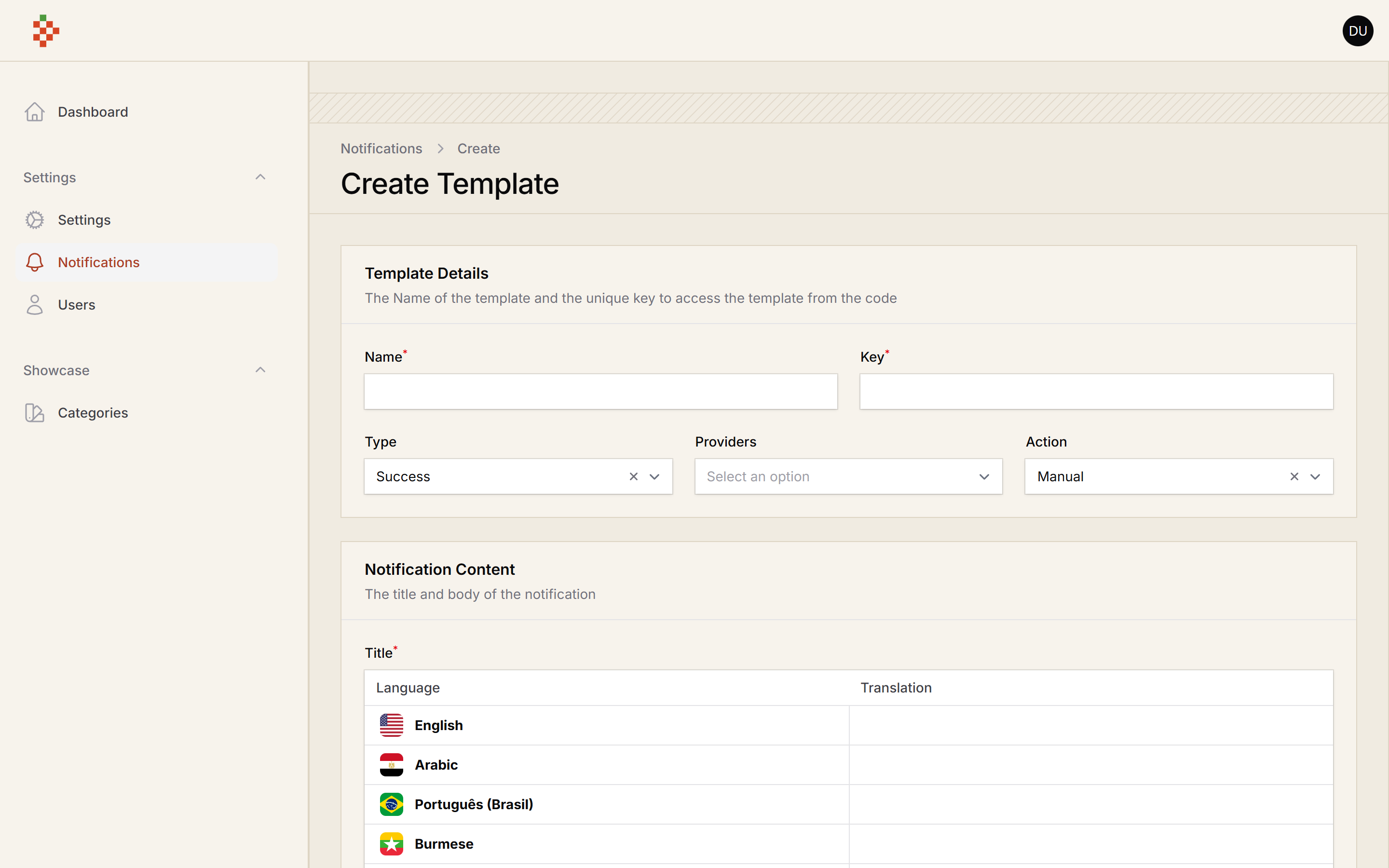 | 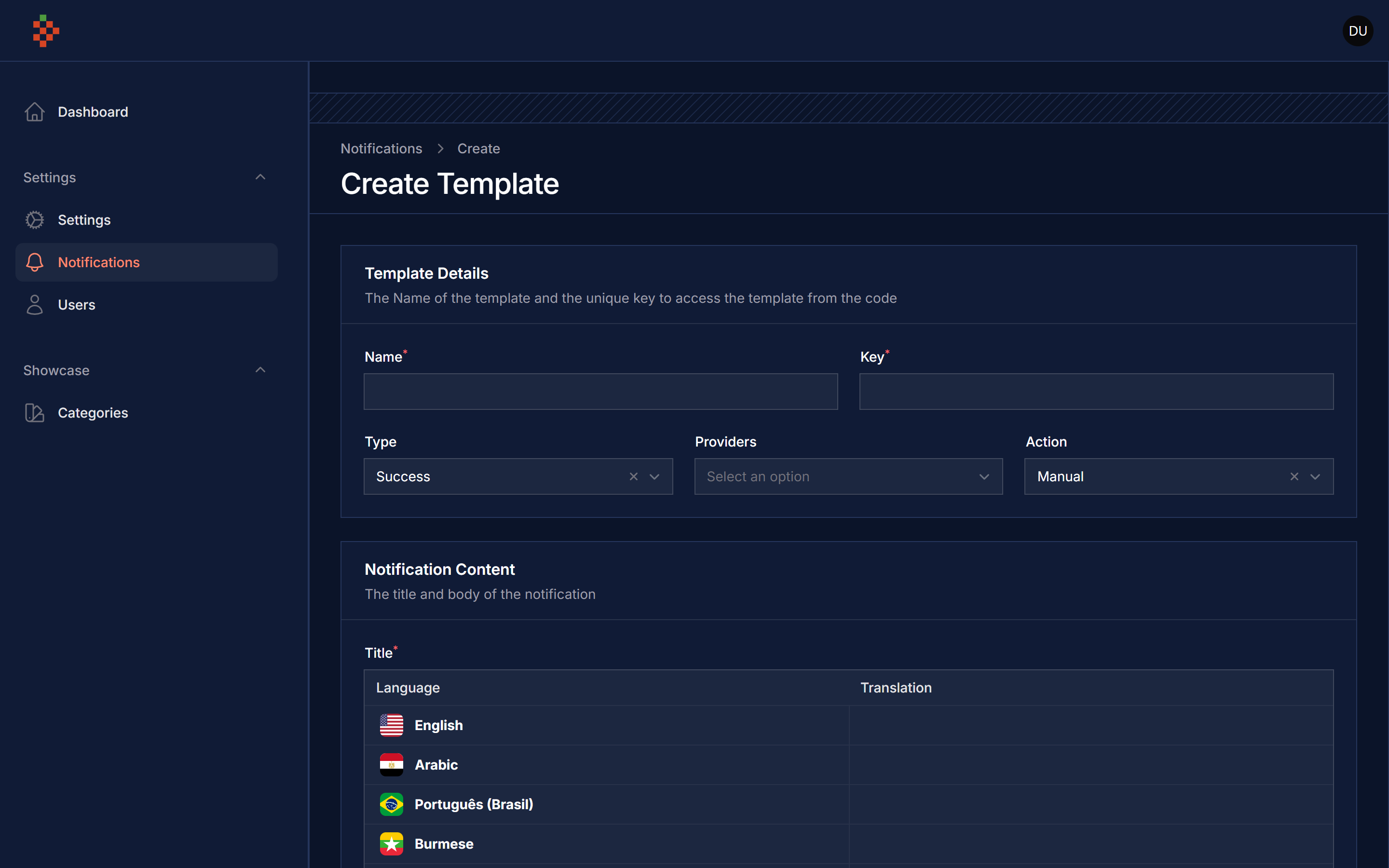 |
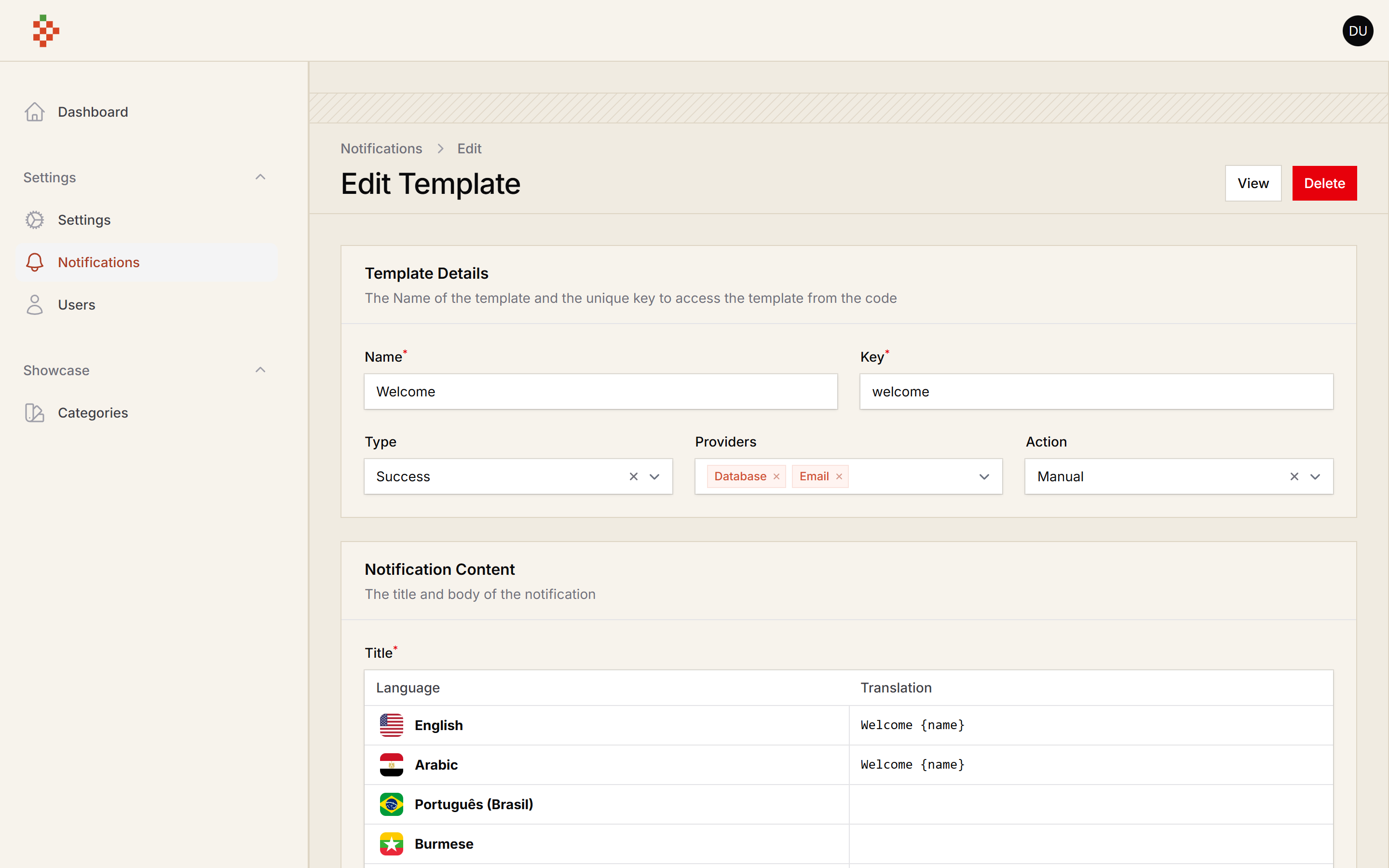 | 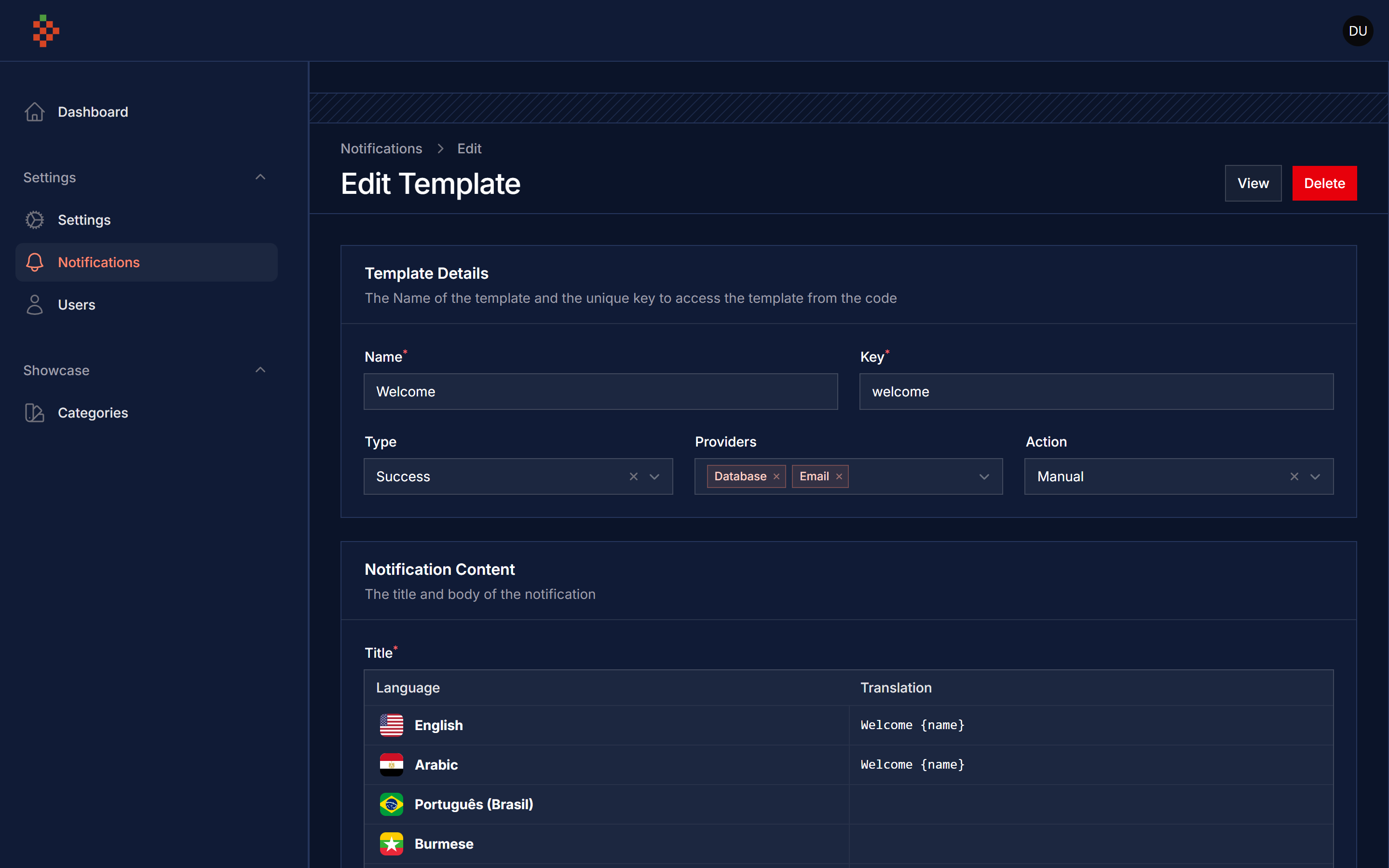 |
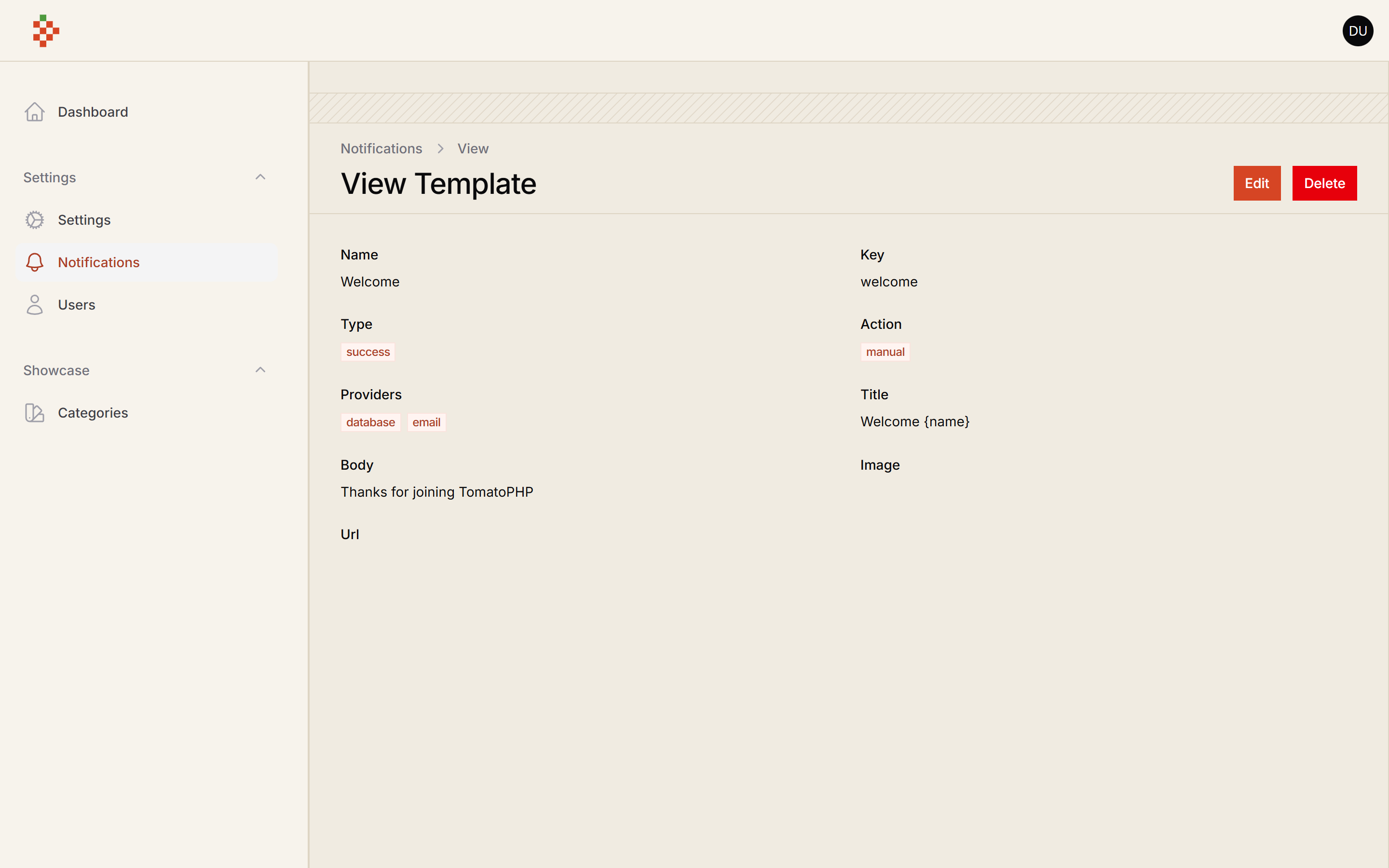 |  |
 |  |
 |  |
Drivers
we have ready to use drivers for the Filament Alerts you can check
Requirements
| Package version | Filament | Laravel | PHP |
|---|---|---|---|
| 5.x | 5.x | 12.x, 13.x | 8.2+ |
| 4.x | 4.x | 11.x, 12.x | 8.2+ |
Installation
after install your package please run this command
finally register the plugin on /app/Providers/Filament/AdminPanelProvider.php
Usage
to set up any model to get notifications you
Queue
the notification is run on queue, so you must run the queue worker to send the notifications
Use Filament Native Notification
you can use the filament native notification and we add some macro for you
Notification Service
to create a new template you can use template CRUD and make sure that the template key is unique because you will use it on every single notification.
Send Notification
to send a notification you must use our helper SendNotification::class like
where $template is selected of the template by key or id, and title, body use to select and replace string on the template with custom data
Notification Channels
you can use multiple notification channels like
- Database
- Discord
- Firebase Cloud Messages
it can be working with direct user methods like
Hide Notifications Resources
to hide the notification resources from the sidebar you can use the plugin method hideNotificationsResource like
Use Email Settings
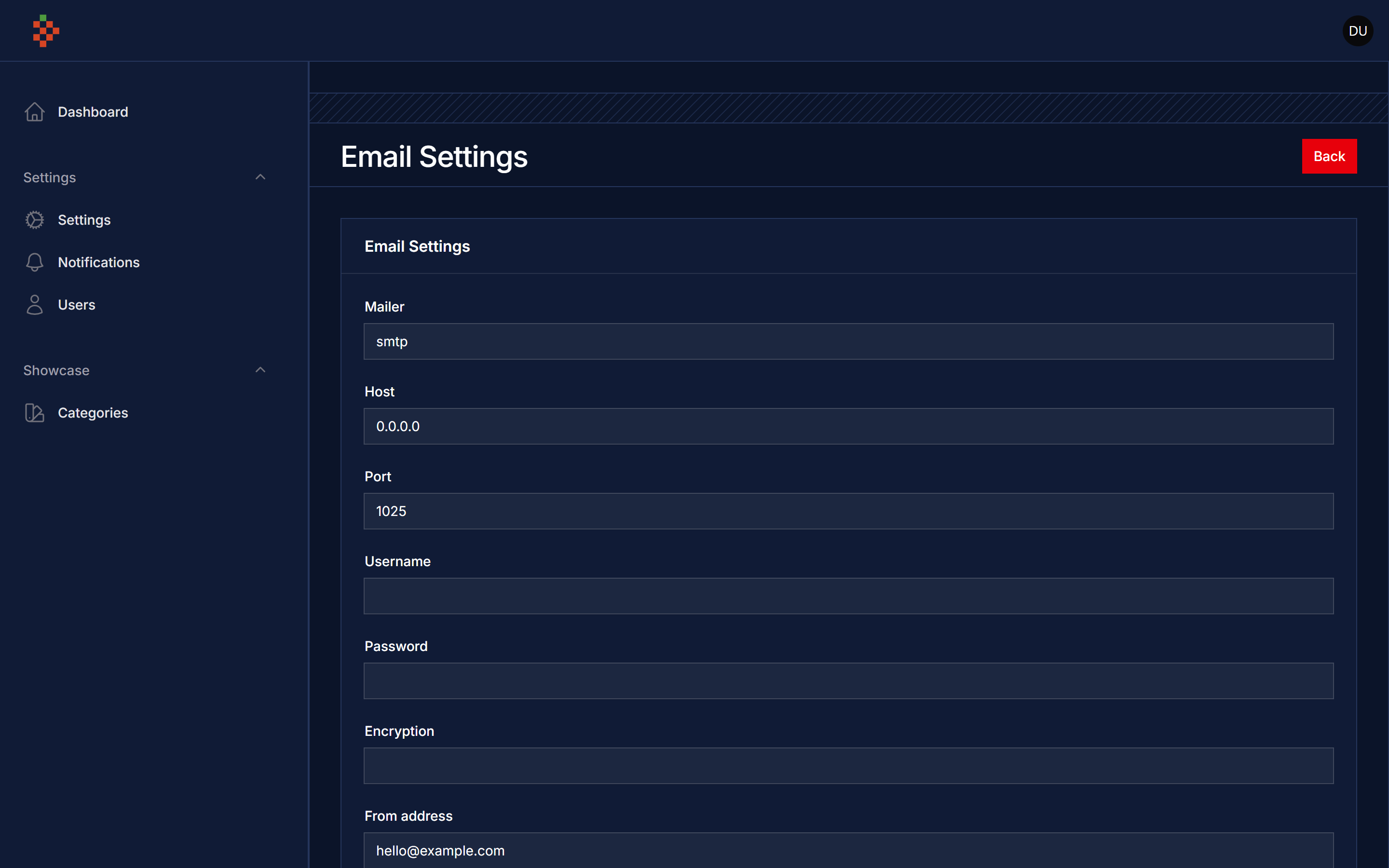
we have build a Email settings to change your SMTP settings direct from GUI to allow this feature just add this method to the plugin
Add Custom Driver
you can add a custom driver follow up Driver abstract class like this
then just use the facade service method in your service provider boot()
Register Custom Type
you can add a custom type using facade service method in your service provider boot()
Register Custom Action
you can add a custom action using facade service method in your service provider boot()
Register Custom User Type
you can add a custom user type using facade service method in your service provider boot()
User Alerts Resource Hooks
we have add a lot of hooks to make it easy to attach actions, columns, filters, etc