# Filament Menus
> Source: https://tomatophp.com/docs/filament/filament-menus
# Filament Menus
[](https://github.com/tomatophp/filament-menus/actions/workflows/dependabot/dependabot-updates)
[](https://github.com/tomatophp/filament-menus/actions/workflows/fix-php-code-styling.yml)
[](https://github.com/tomatophp/filament-menus/actions/workflows/tests.yml)
[](https://packagist.org/packages/tomatophp/filament-menus)
[](https://packagist.org/packages/tomatophp/filament-menus)
[](https://packagist.org/packages/tomatophp/filament-menus)
Menu Database builder to use it as a navigation on Filament Panel or as a Livewire Component
## Screenshots
## Installation
```bash
composer require tomatophp/filament-menus
```
after install your package please run this command
```bash
php artisan filament-menus:install
```
finally register the plugin on `/app/Providers/Filament/AdminPanelProvider.php`
```php
->plugins(
\Filament\SpatieLaravelTranslatablePlugin::make()->defaultLocales(['en', 'ar'])
\TomatoPHP\FilamentMenus\FilamentMenusPlugin::make()
)
```
## Use as Filament Navigation
you can use this package as a navigation on Filament Admin Panel
```php
use Filament\Navigation\NavigationBuilder;
use Filament\Navigation\NavigationGroup;
use TomatoPHP\FilamentMenus\FilamentMenuLoader;
$panel->navigation(function (NavigationBuilder $builder){
return $builder
// Use Inside Group
->groups([
NavigationGroup::make()
->label('Dashboard')
->items(FilamentMenuLoader::make('dashboard')),
])
// Use Directly
->items(FilamentMenuLoader::make('dashboard'));
})
```
where `dashboard` is a key of menu.
## Use as a Livewire Component
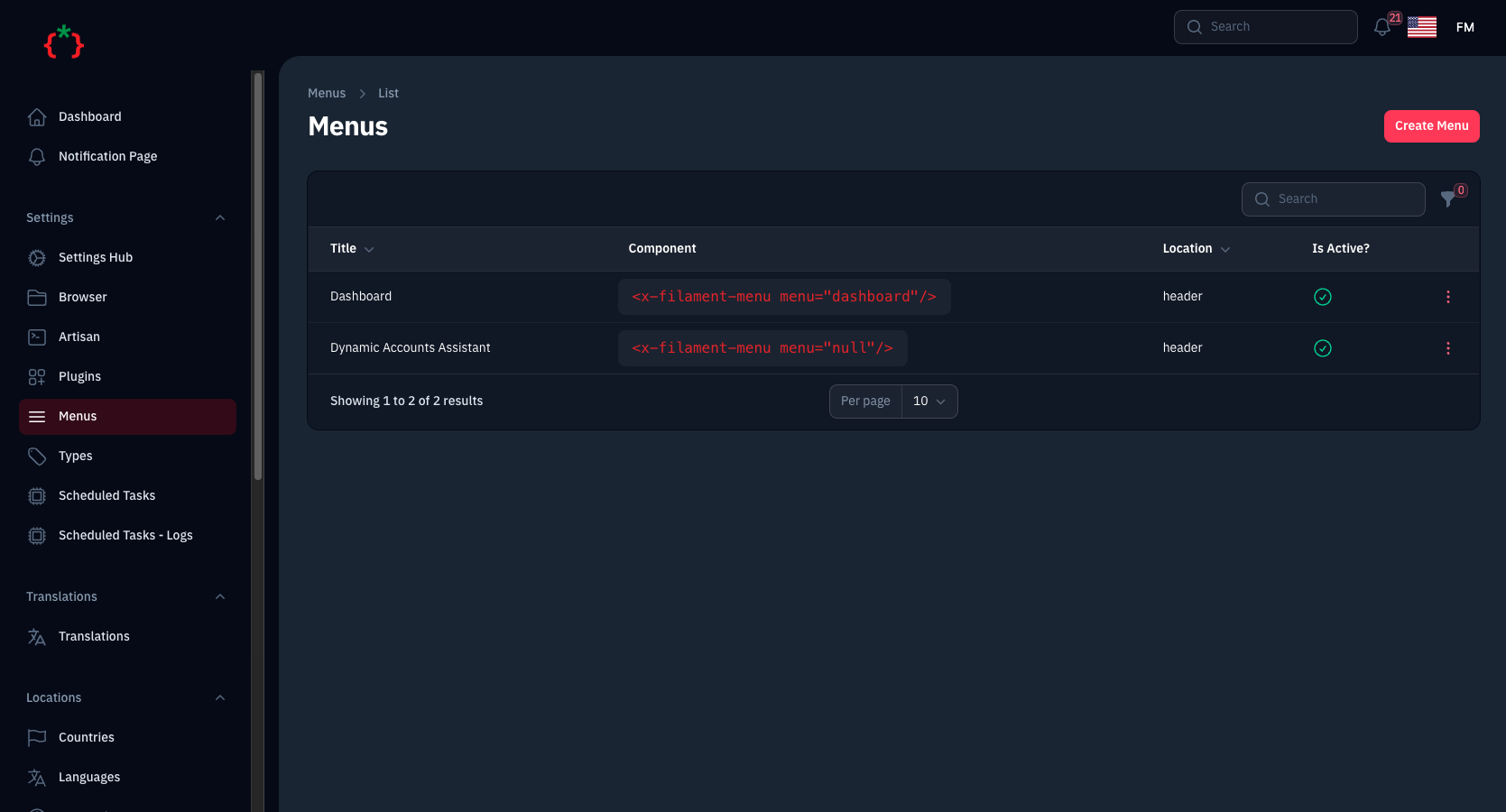
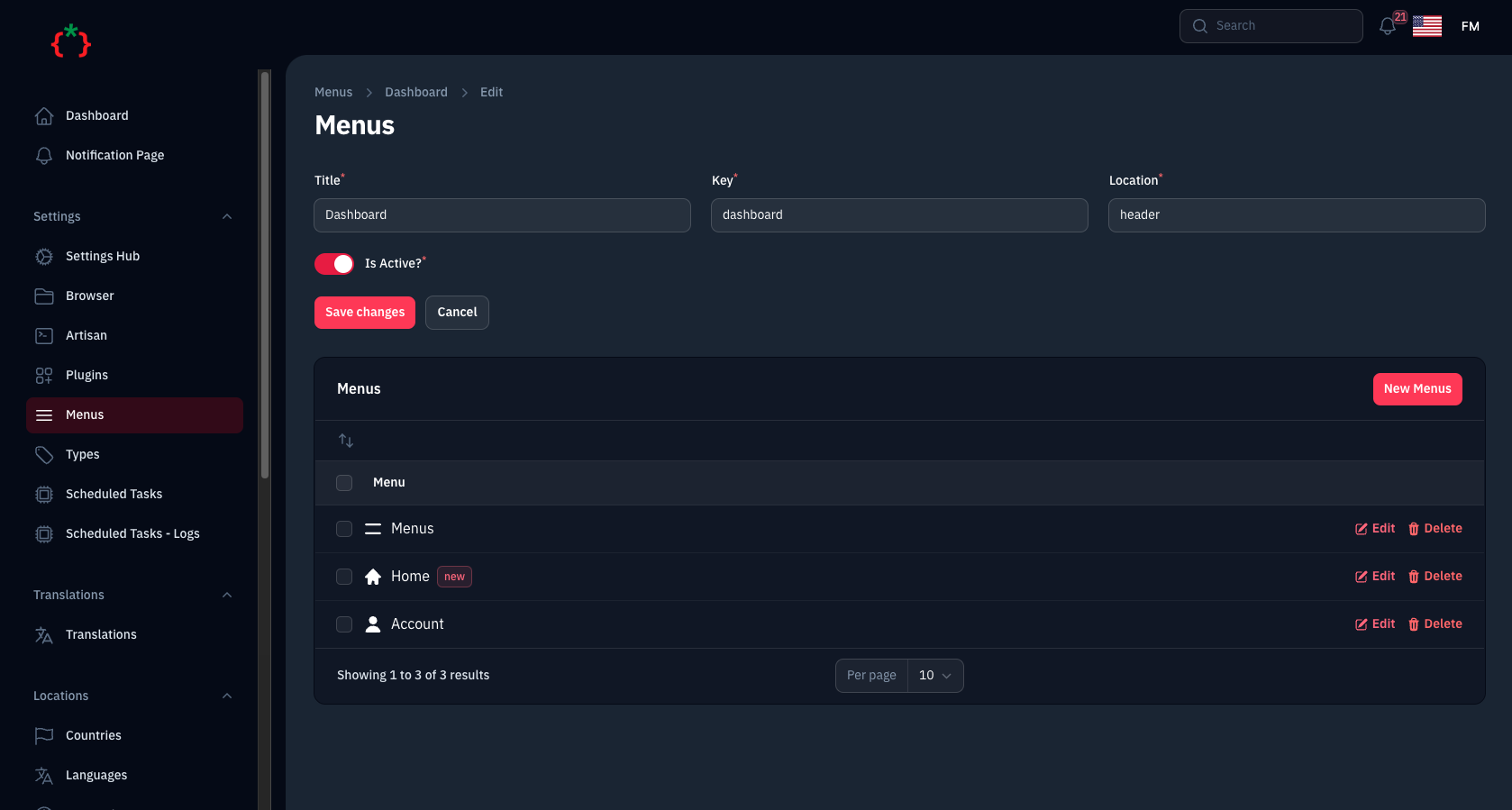
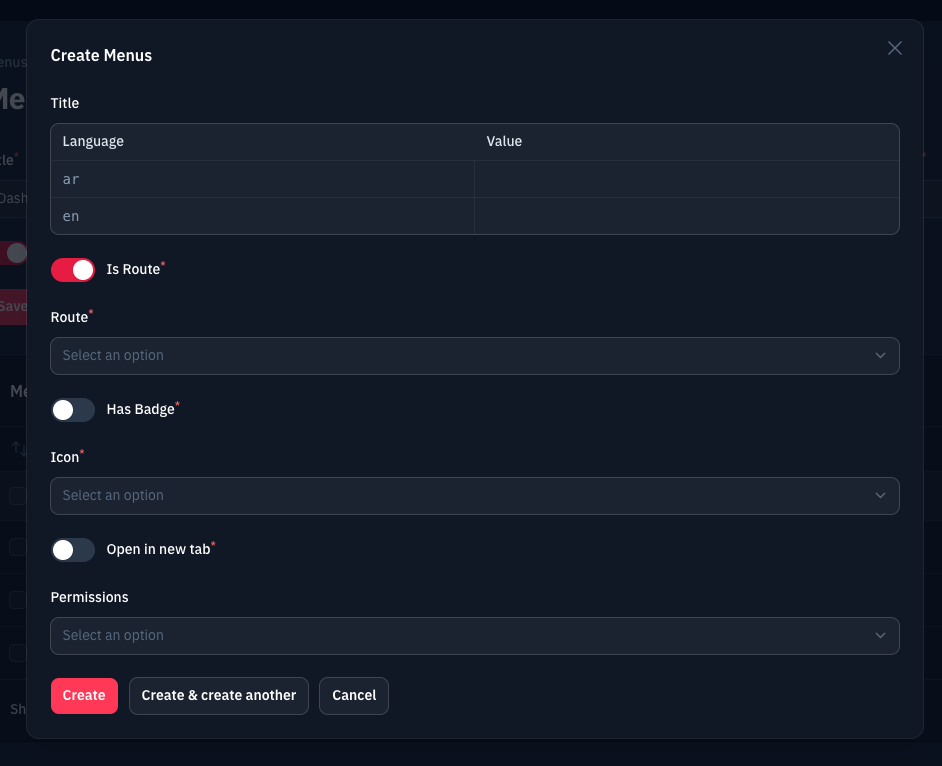
go to route `admin/menus` and create a new menu and you will get the code of livewire component
you can build a menu just by using this command as a livewire component
```blade
```
where `header` is a key of menu and you will get the code ready on the Table list of menus
you can use custom view ex:
```blade
```
by default we use Tailwind as a main view with this code
```blade
@foreach ($menuItems as $item)
@if(isset($item['icon']) && !empty($item['icon']))
@endif
{{ $item['title'] }}
@endforeach
```
or you can use direct helper `menu($key)` to get the menu items
```blade
@foreach (menu('header') as $item)
@if(isset($item['icon']) && !empty($item['icon']))
@endif
{{ $item['title'] }}
@endforeach
```
## Publish Assets
you can publish config file by use this command
```bash
php artisan vendor:publish --tag="filament-menus-config"
```
you can publish views file by use this command
```bash
php artisan vendor:publish --tag="filament-menus-views"
```
you can publish languages file by use this command
```bash
php artisan vendor:publish --tag="filament-menus-lang"
```
you can publish migrations file by use this command
```bash
php artisan vendor:publish --tag="filament-menus-migrations"
```
## Other Filament Packages
Checkout our [Awesome TomatoPHP](https://github.com/tomatophp/awesome)