filament-artisan
Simple but yet powerful library for running some artisan commands. this packages is a fork of artisan-gui with some custom for filament UI
Extends filament
composer require tomatophp/filament-artisan- artisan
- command
- command-runner
- filamentphp-plugin
- manage-commands
Readme

Filament Artisan Command Runner



Simple but yet powerful library for running some artisan commands for FilamentPHP
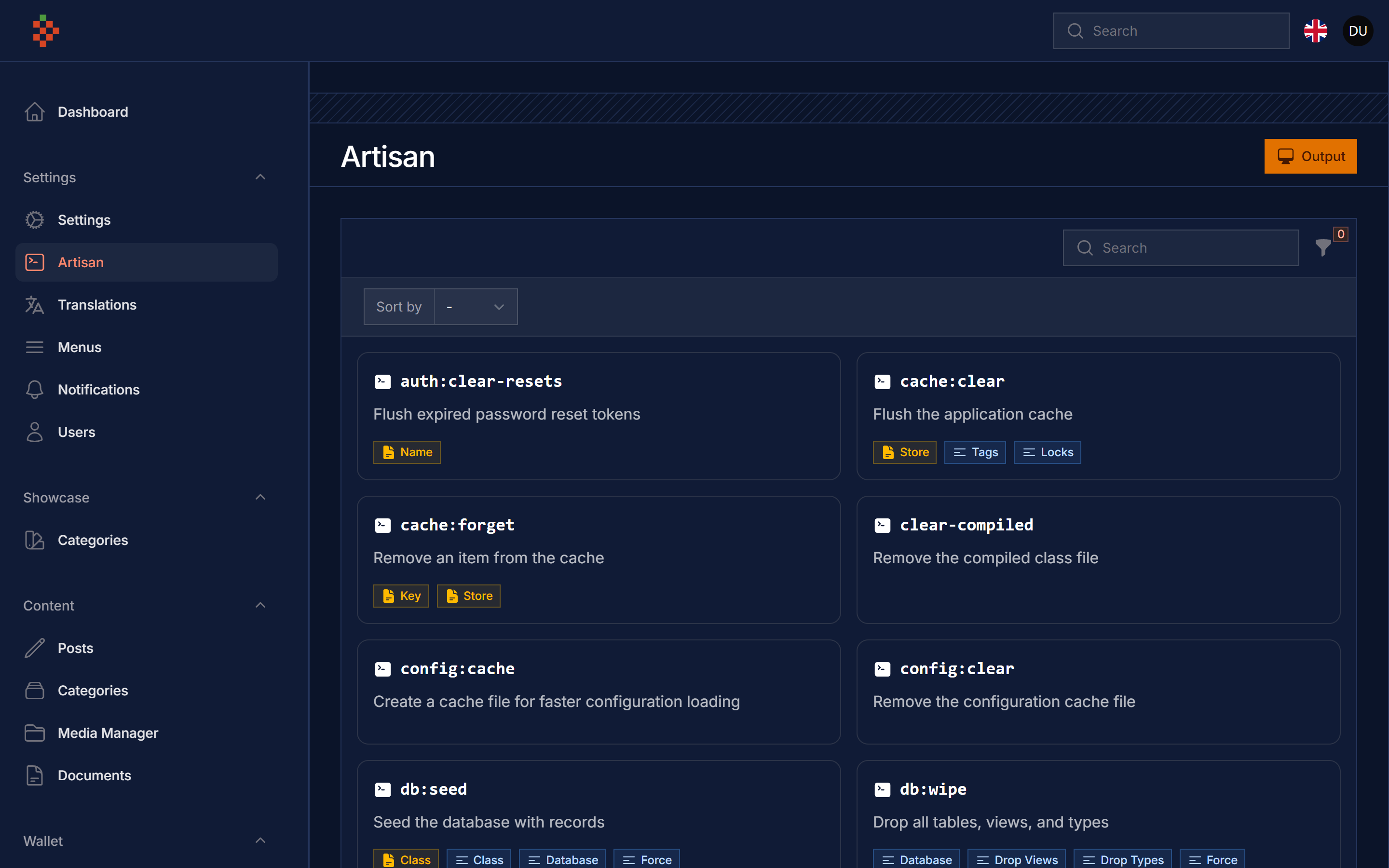
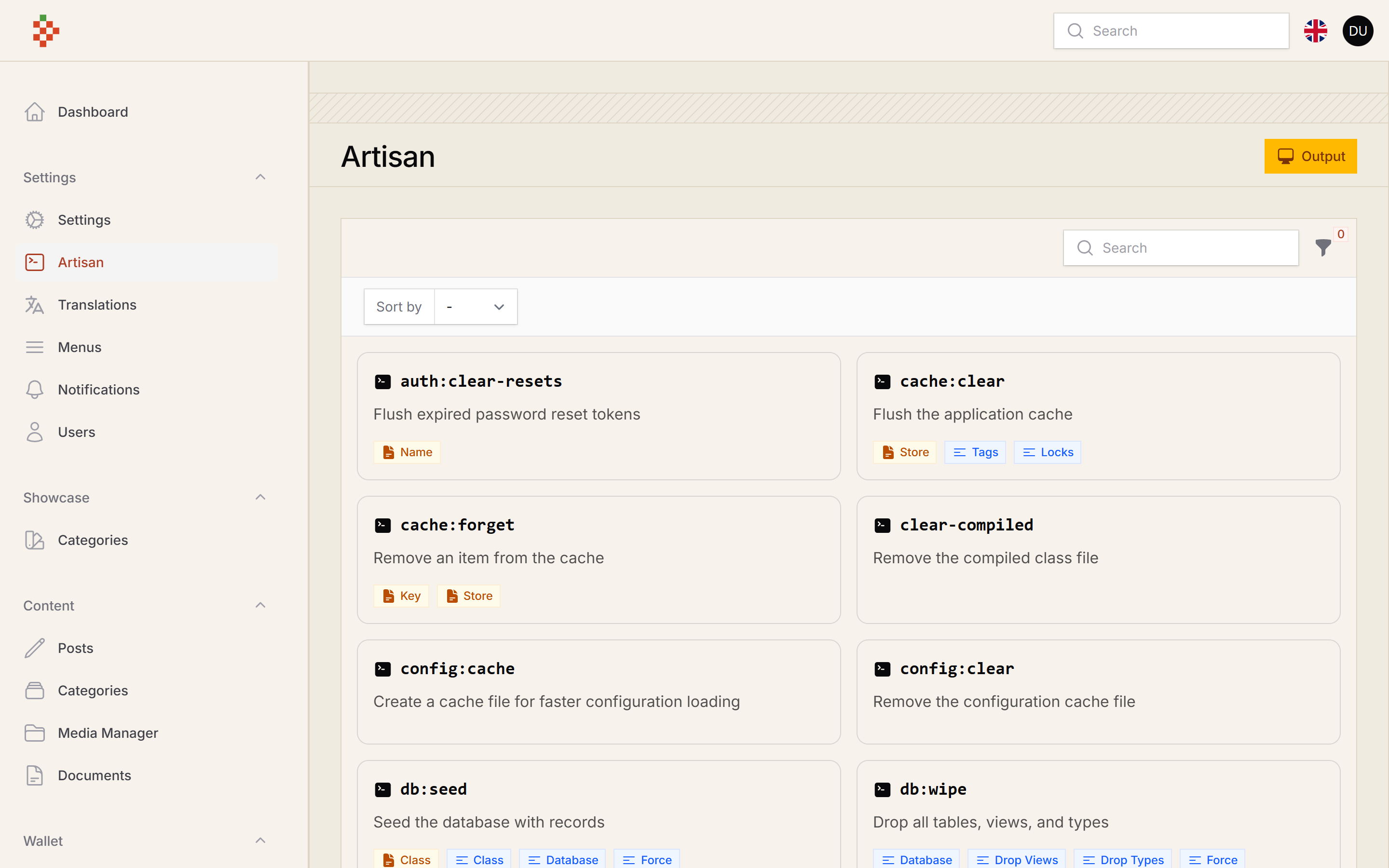
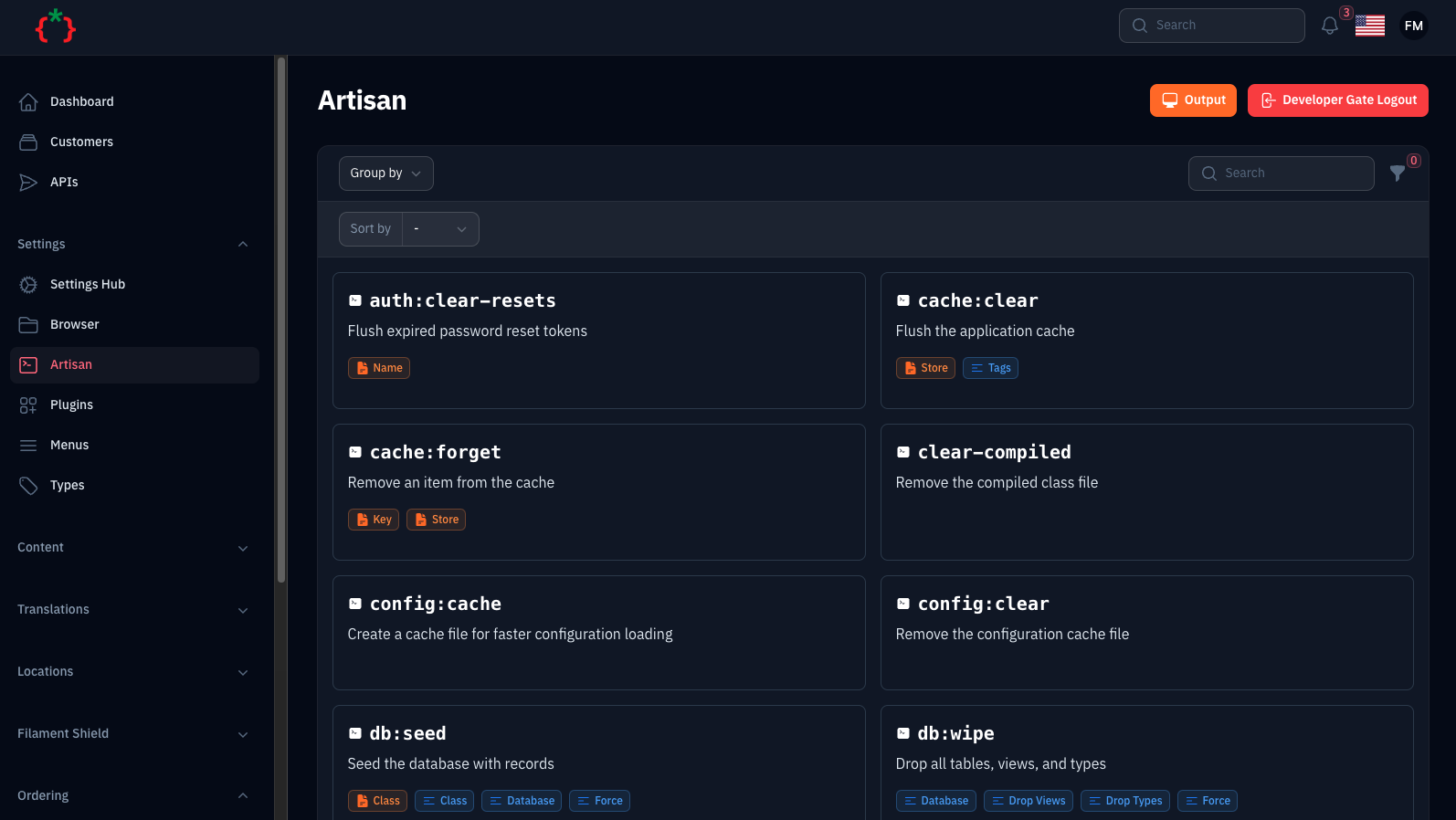
Screenshots
Compatibility
| Package version | Filament | Laravel | PHP |
|---|---|---|---|
| 5.x | 5.x | 12.x, 13.x | 8.2+ |
| 1.x | 3.x | 10.x, 11.x | 8.1+ |
Installation
finally register the plugin on /app/Providers/Filament/AdminPanelProvider.php
The plugin also registers the Developer Gate page on the panel,
so set a strong gate password in your .env:
Running command
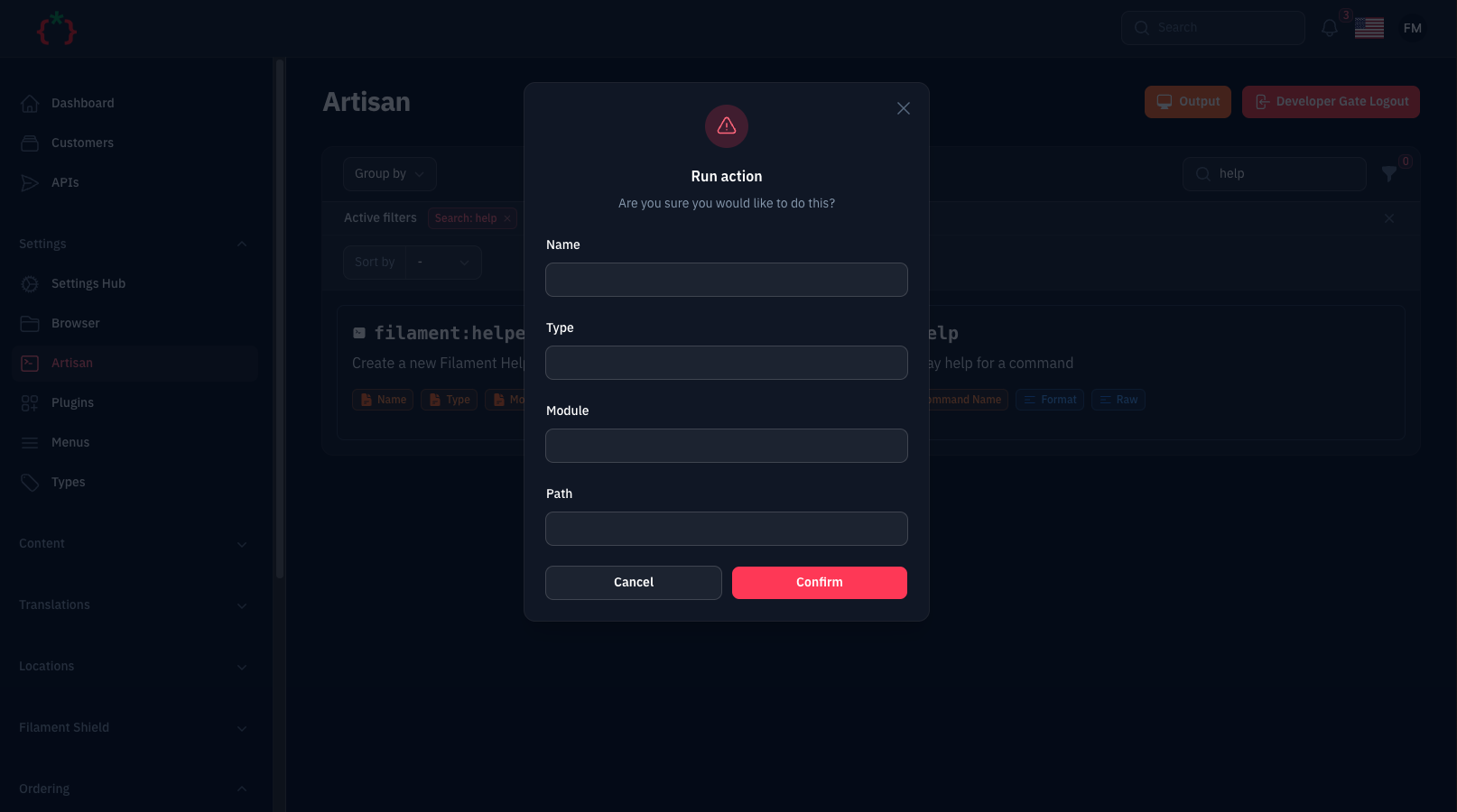
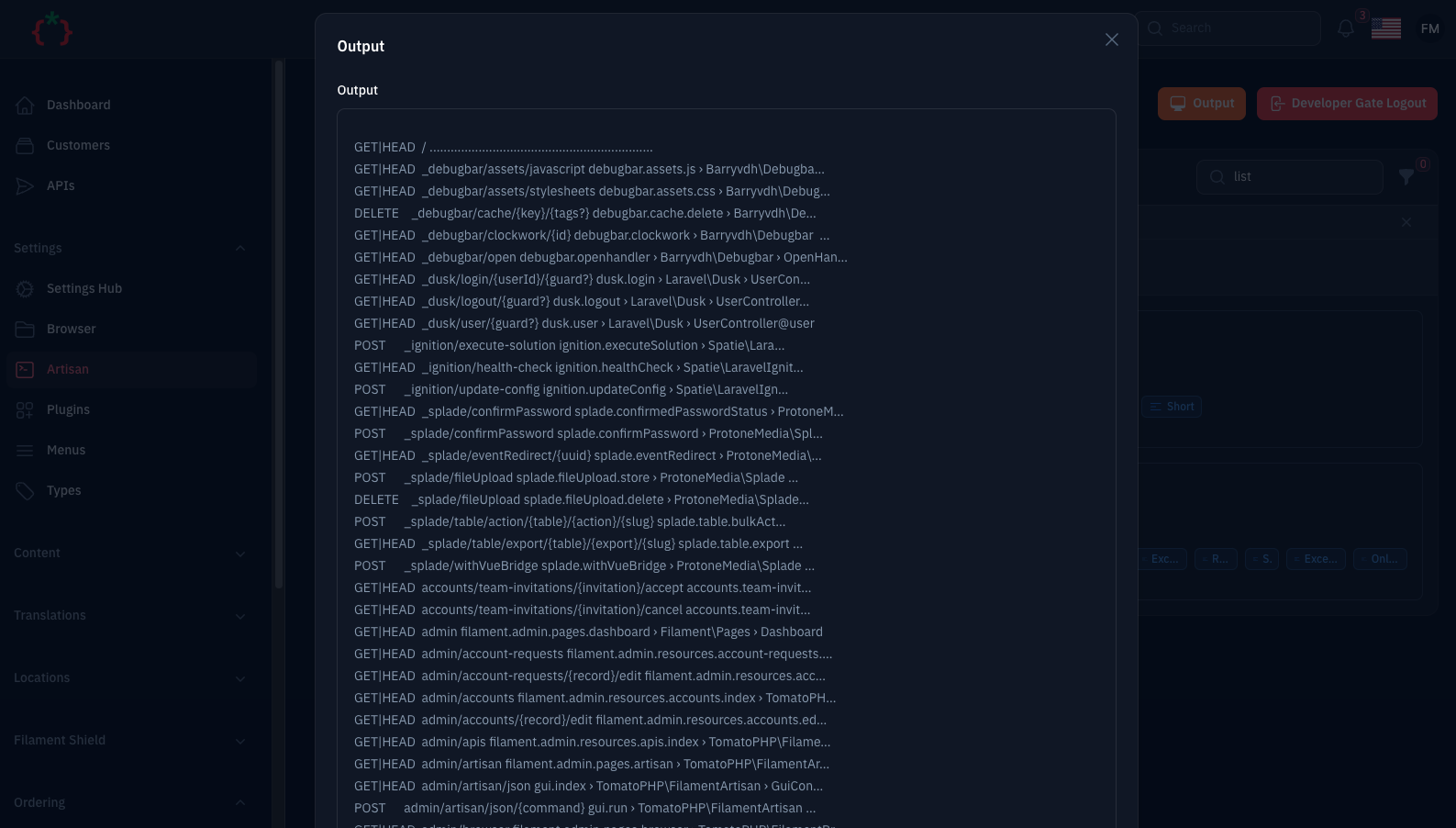
Go to https://your-domain.com/PANEL/artisan, select the needed command from the list, fill the arguments and
options/flags and hit run. The output is shown in a modal once the command finished.
Security
This page runs artisan commands on your server, so it is locked down by default:
- Local only: with
'local' => true(the default) the page is only accessible, and only shown in the navigation, whenAPP_ENV=local. Set'local' => falsein the published config (or use->onlyLocal(false)) to use it on other environments. - Developer gate: with
'developer_gate' => true(the default) the page asks forDEVELOPER_GATE_PASSWORDfirst. - Whitelist: only the commands listed in the
commandsconfig key can be run. Any other registered command is refused with a 403. - Permissions: the
permissionsconfig key maps a command to a Gate ability, e.g.'migrate:fresh' => 'run-destructive-commands'. - Route middleware: the
middlewaresconfig key is applied to the page route (add'verified'if your users verify their email).
You can restrict or disable the page per panel from the plugin:
The default command list contains destructive commands (migrate:fresh, db:wipe, down, ...). On anything that is not
your own machine, publish the config and trim the commands list to what you really need.
Configuration
Publish the config file to change the defaults:
and now clear cache
Publish Assets
you can publish config file by use this command
you can publish views file by use this command
you can publish languages file by use this command
Testing
Other Filament Packages
Checkout our Awesome TomatoPHP