filament-media-manager
Manage your media files using spatie media library with easy to use GUI for FilamentPHP
يمتدّ من filament
composer require tomatophp/filament-media-manager- filament-plugin
- media
- media-manager
- spaite
- spatie-laravel-medialibrary
اقرأني
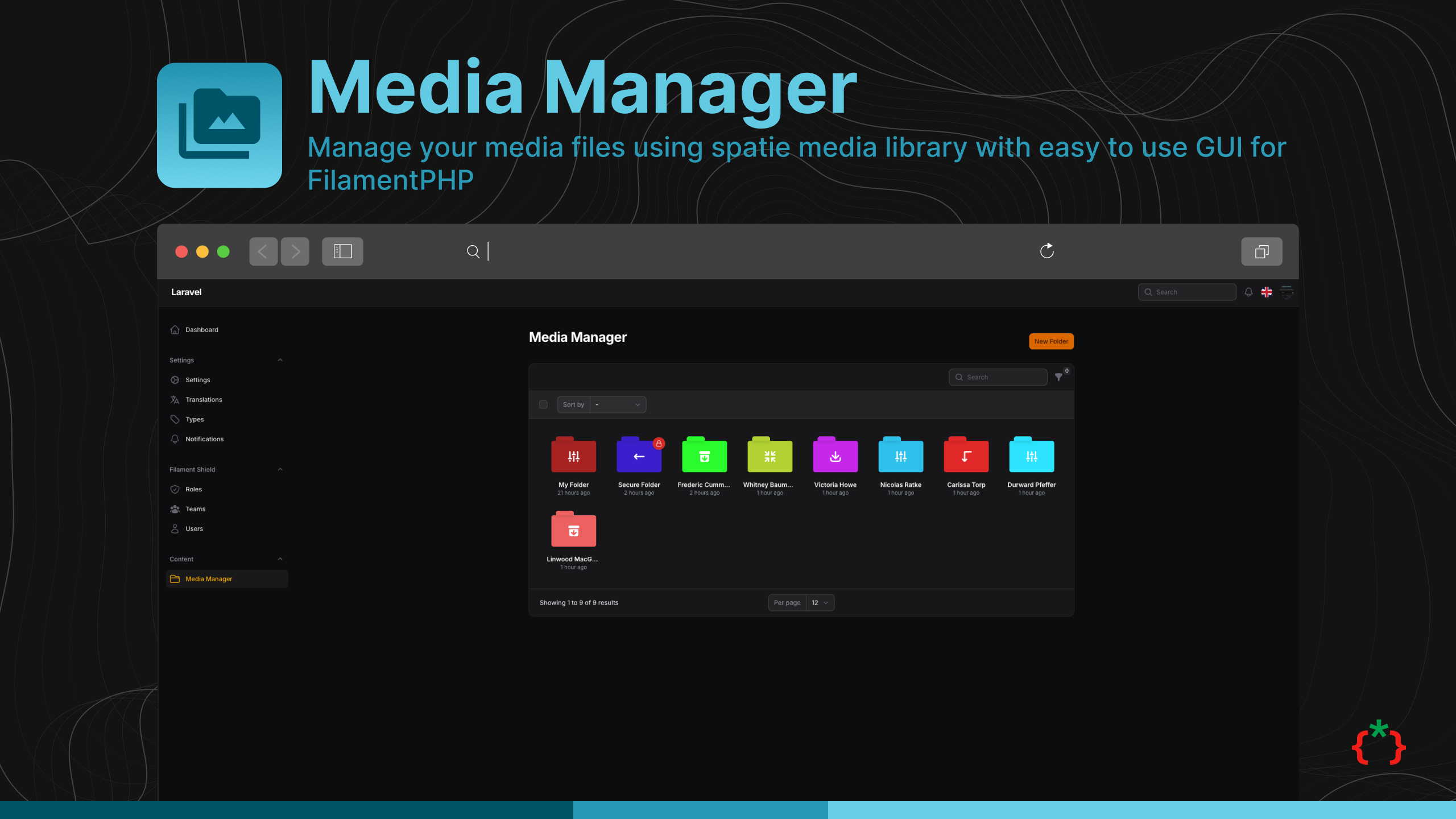
Filament media manager





Manage your media files using spatie media library with easy to use GUI for FilamentPHP
Requirements
| Package version | Filament | Laravel | PHP |
|---|---|---|---|
| 5.x | 5.x | 12.x, 13.x | 8.2+ |
| 4.x | 4.x | 11.x, 12.x | 8.2+ |
Installation
now you need to publish media migration
after installing your package, please run this command
finally, register the plugin on /app/Providers/Filament/AdminPanelProvider.php, if you like to use GUI and Folder Browser.
Features
- 📁 Manage your media files using spatie media library
- 📂 Create folders and subfolders
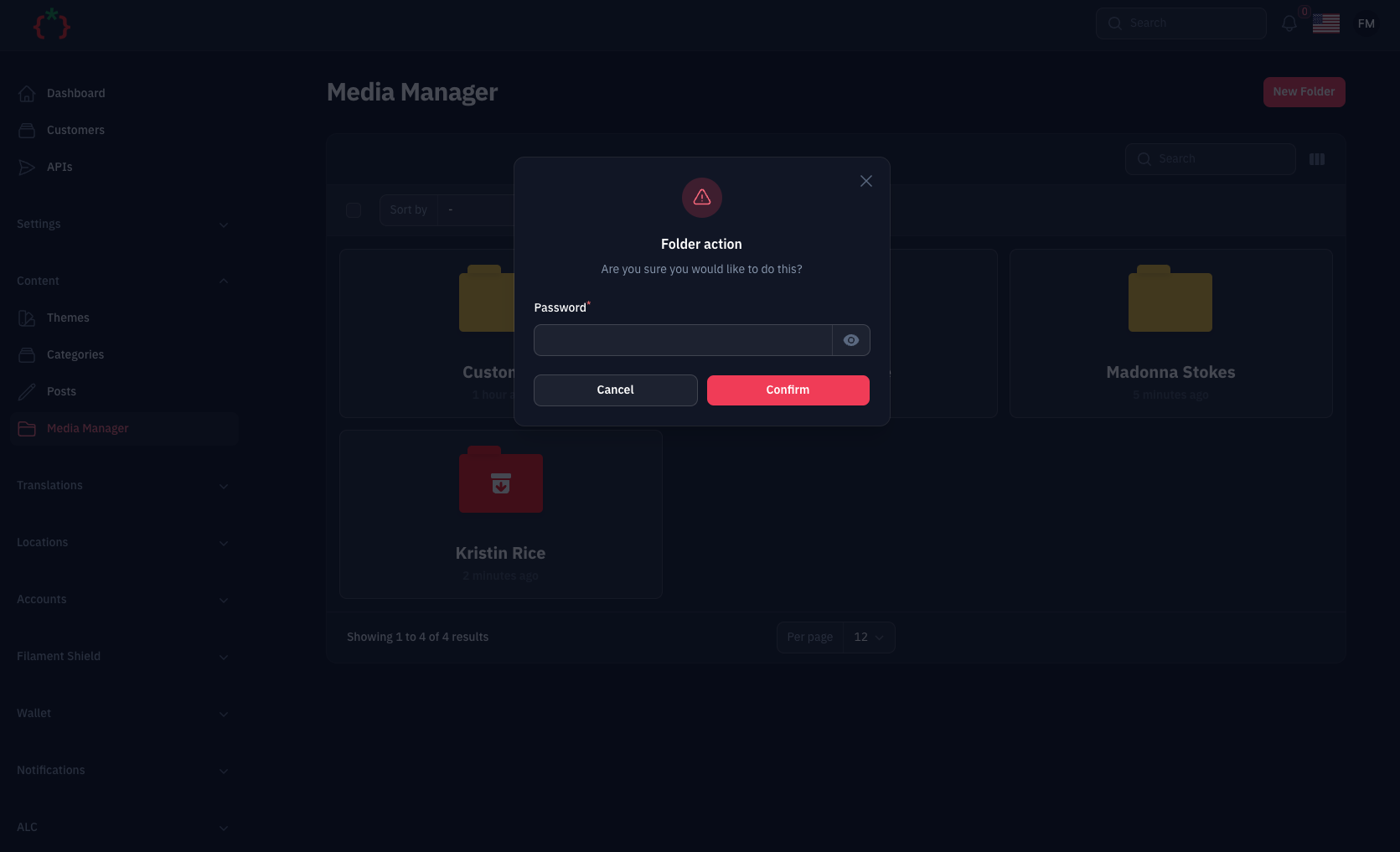
- 🔒 Set password for folders with secure access
- 📝 Upload Files with Custom Fields using
->schema() - 🤖 Auto Create Folders for Model/Collection/Record
- 🌍 RTL/Multi Language Support
- 🎨 Full Dark Mode Support
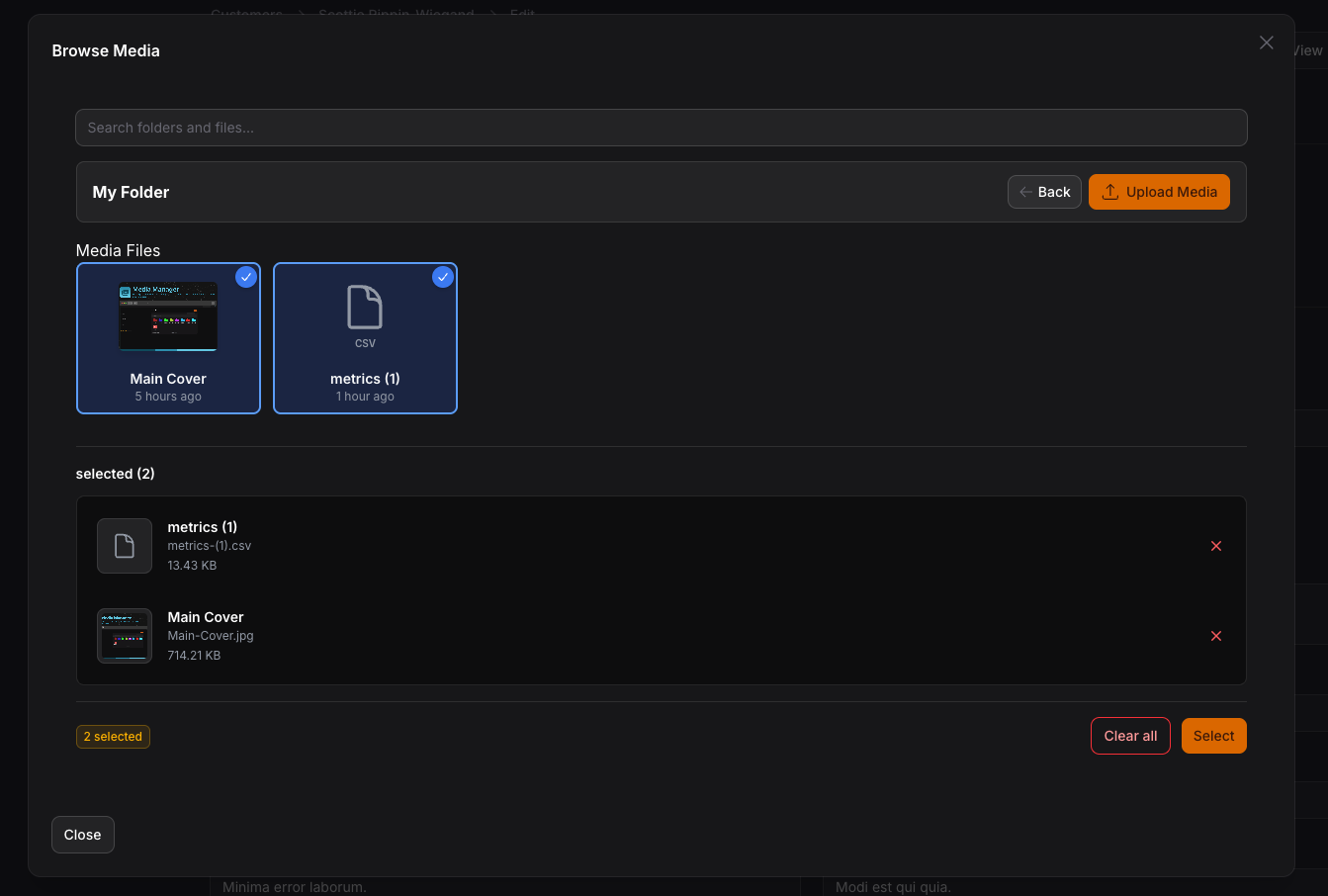
- 🖼️ MediaManagerPicker - Browse and select media from folder structure
- ⚡ MediaManagerInput - Direct file upload with Spatie Media Library
- 🔧 InteractsWithMediaManager Trait - Easy model integration
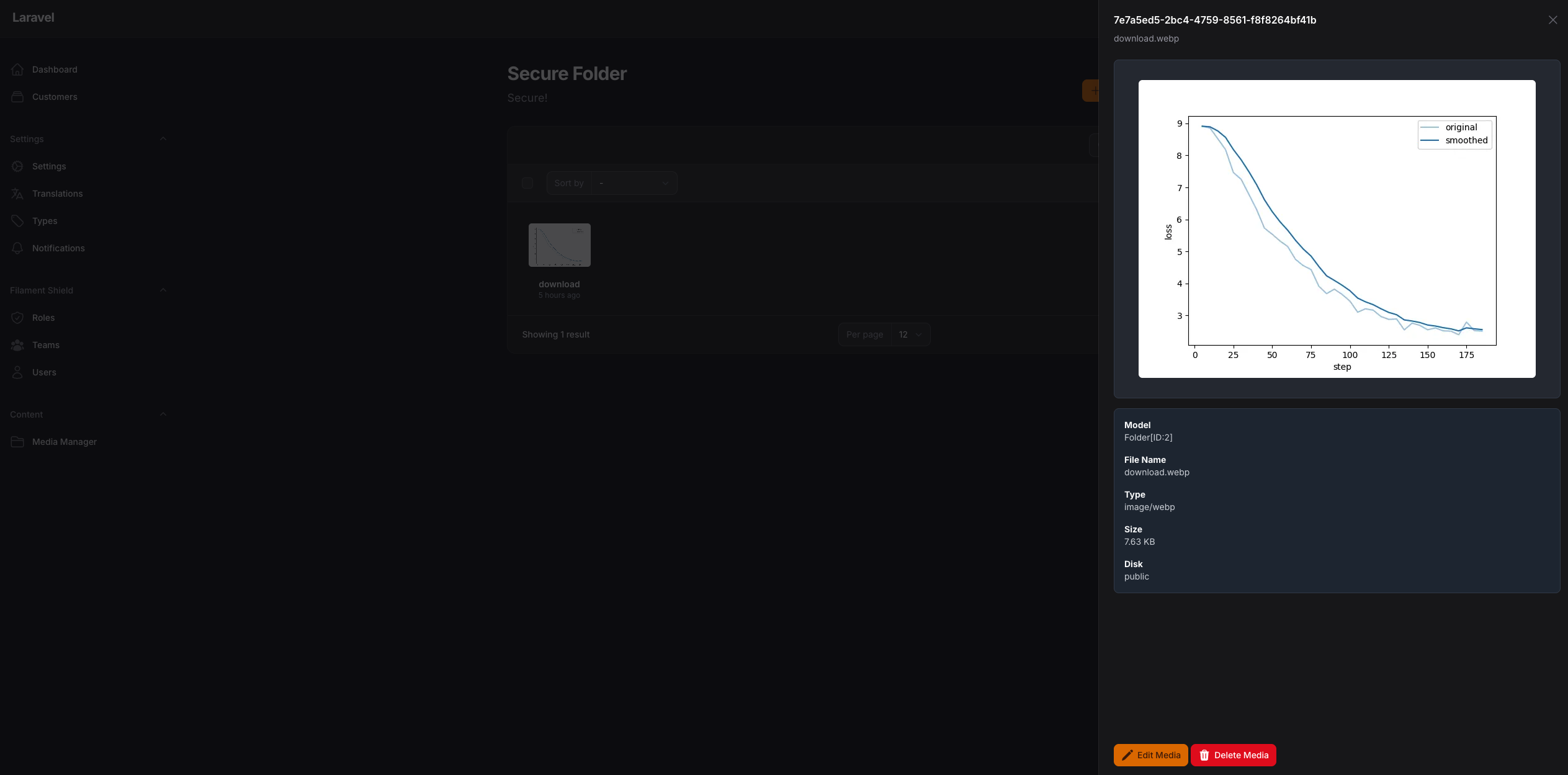
- 📊 Live Preview with thumbnails and file information
- ✅ Selection validation (min/max items)
- 🔄 Auto-save and modal management
- 🏷️ Collection Names - Multiple pickers on same page with separate collections
- 📱 Responsive Images - Automatic responsive image generation with Spatie
- 🎯 Drag & Drop Reordering - Visual reordering of selected media
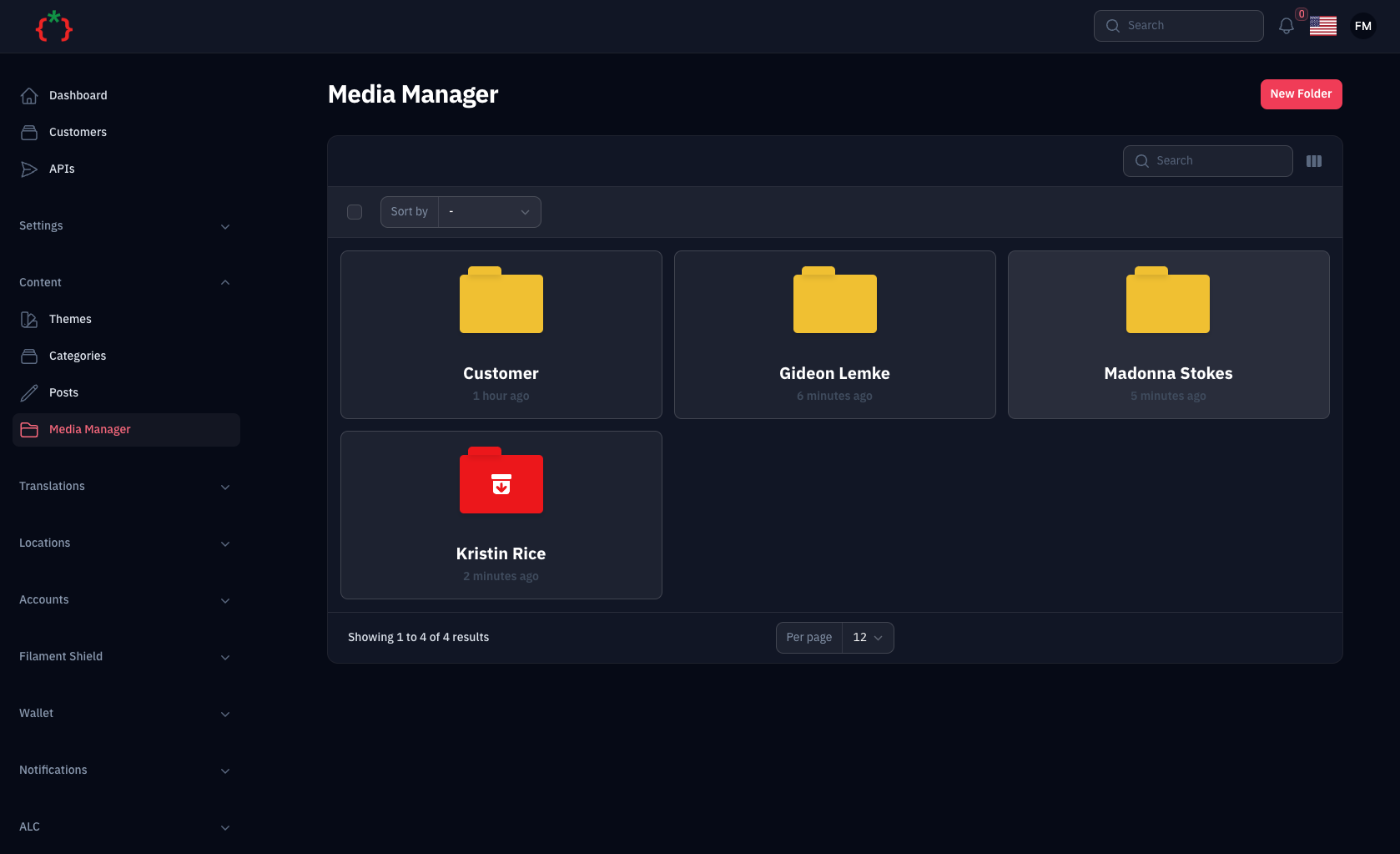
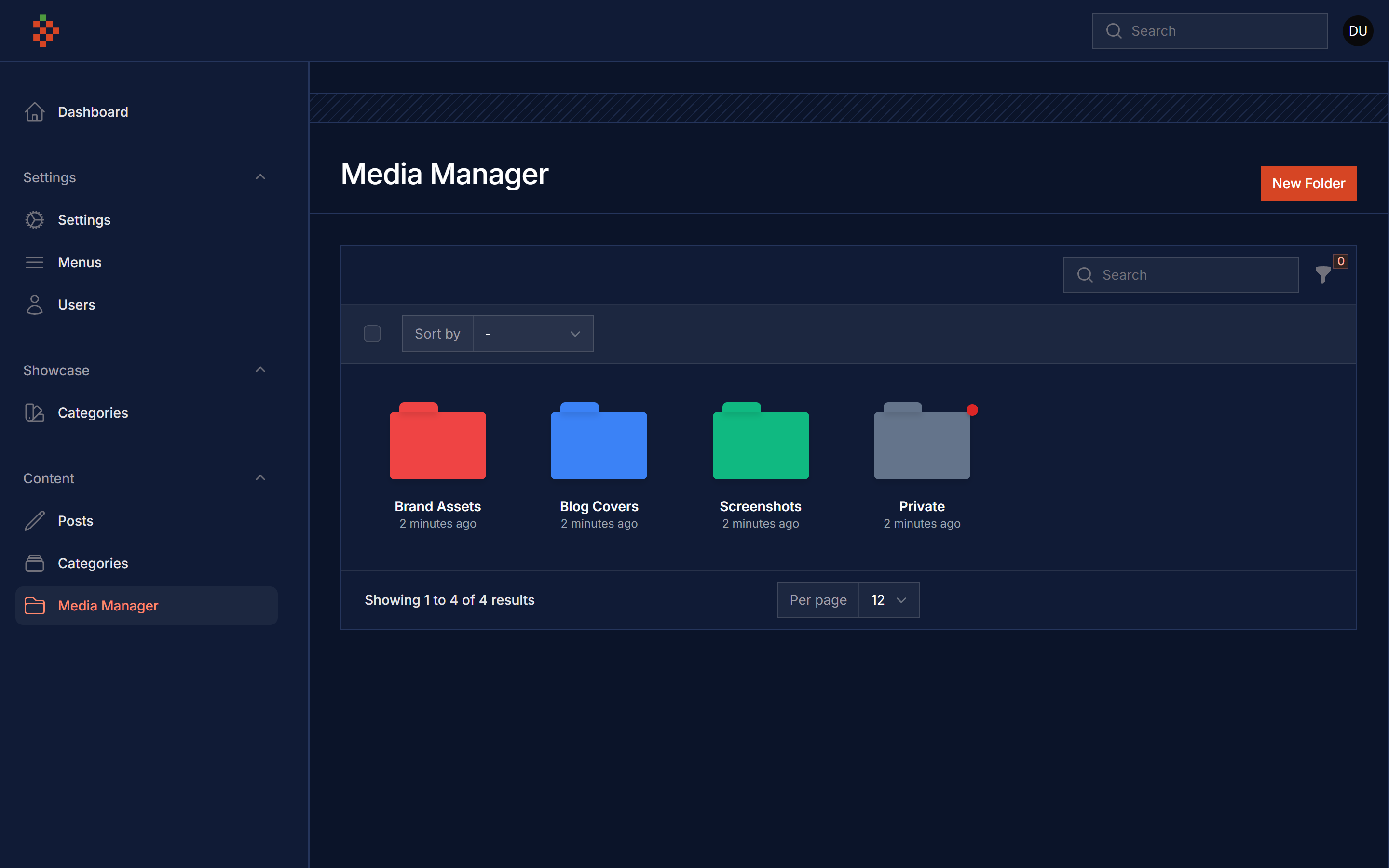
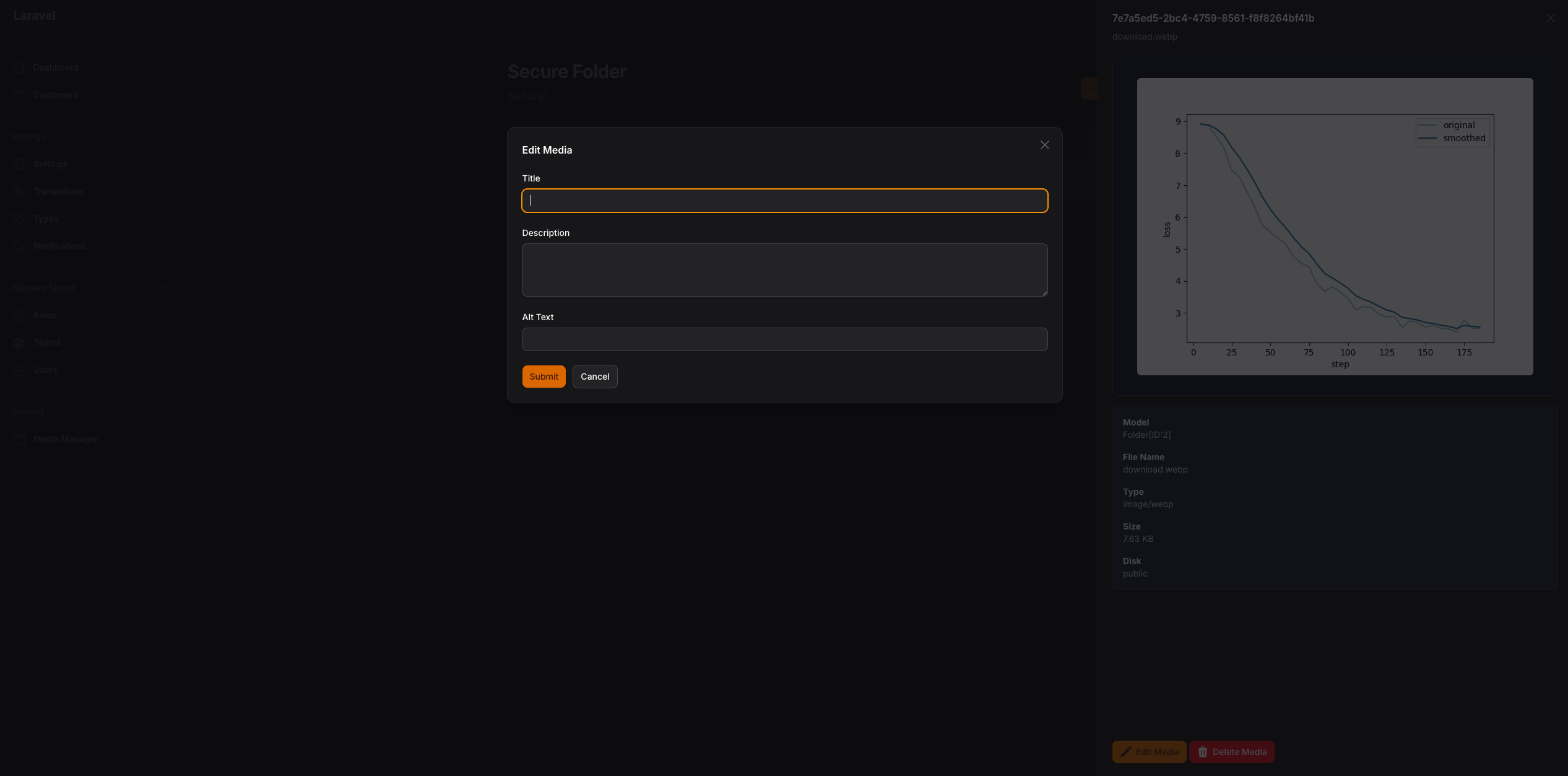
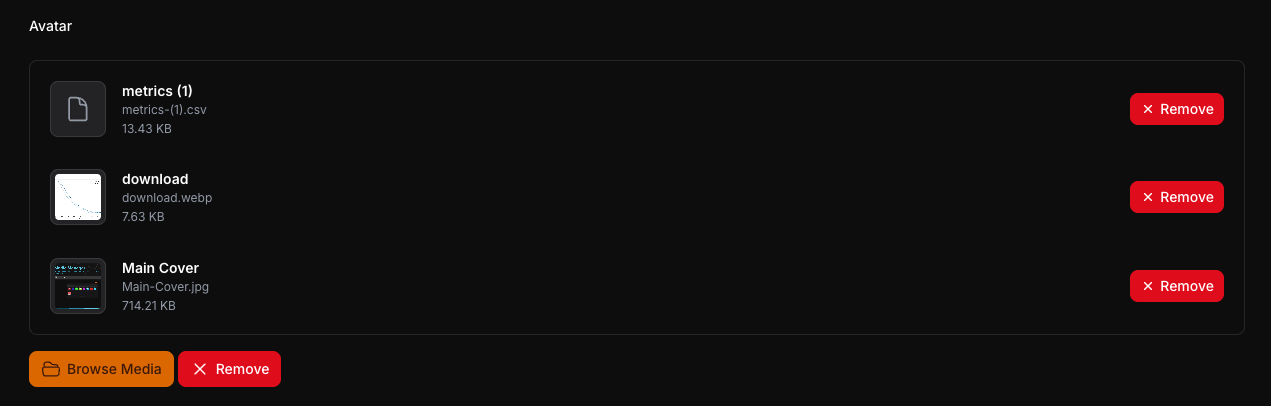
Screenshots
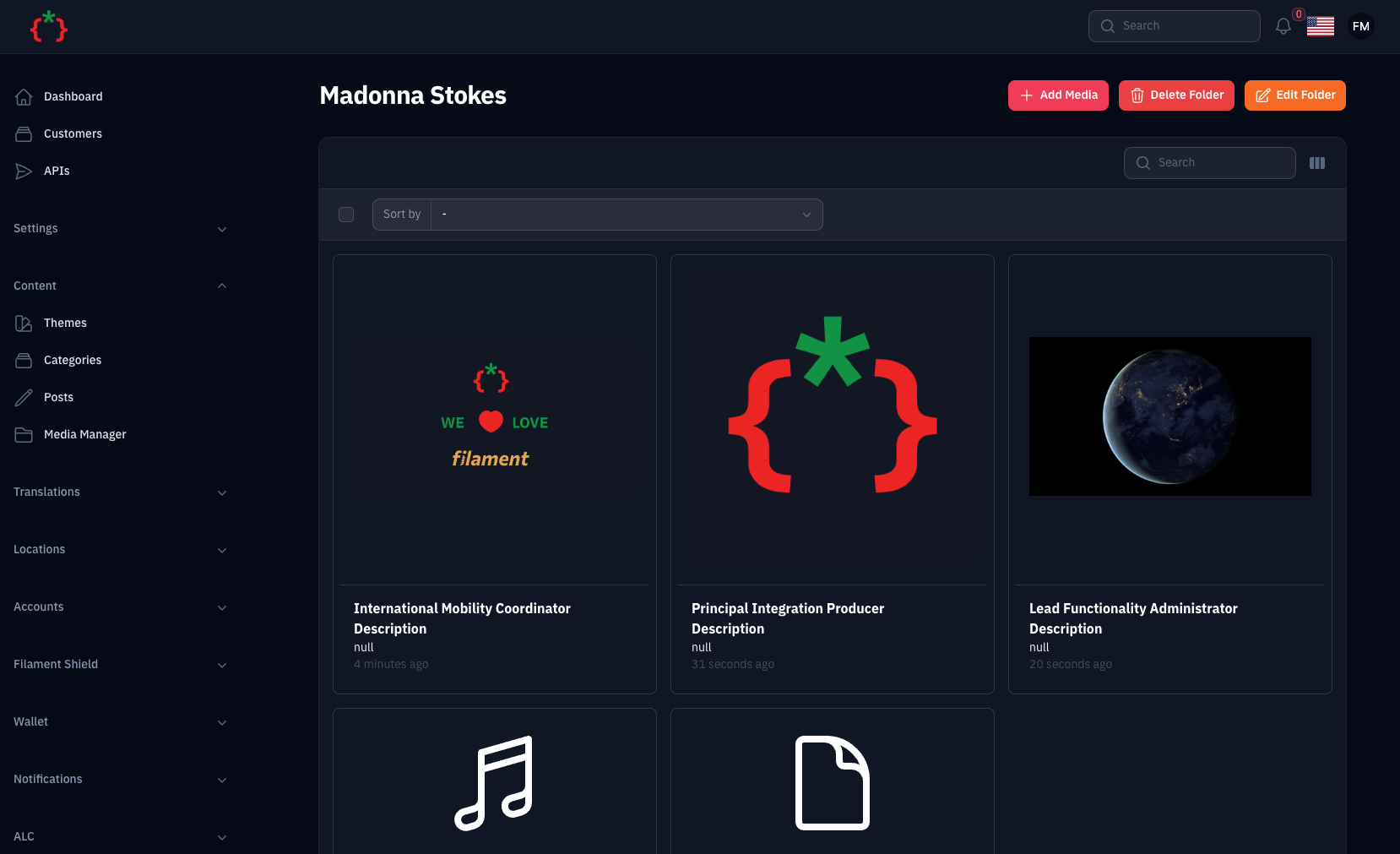
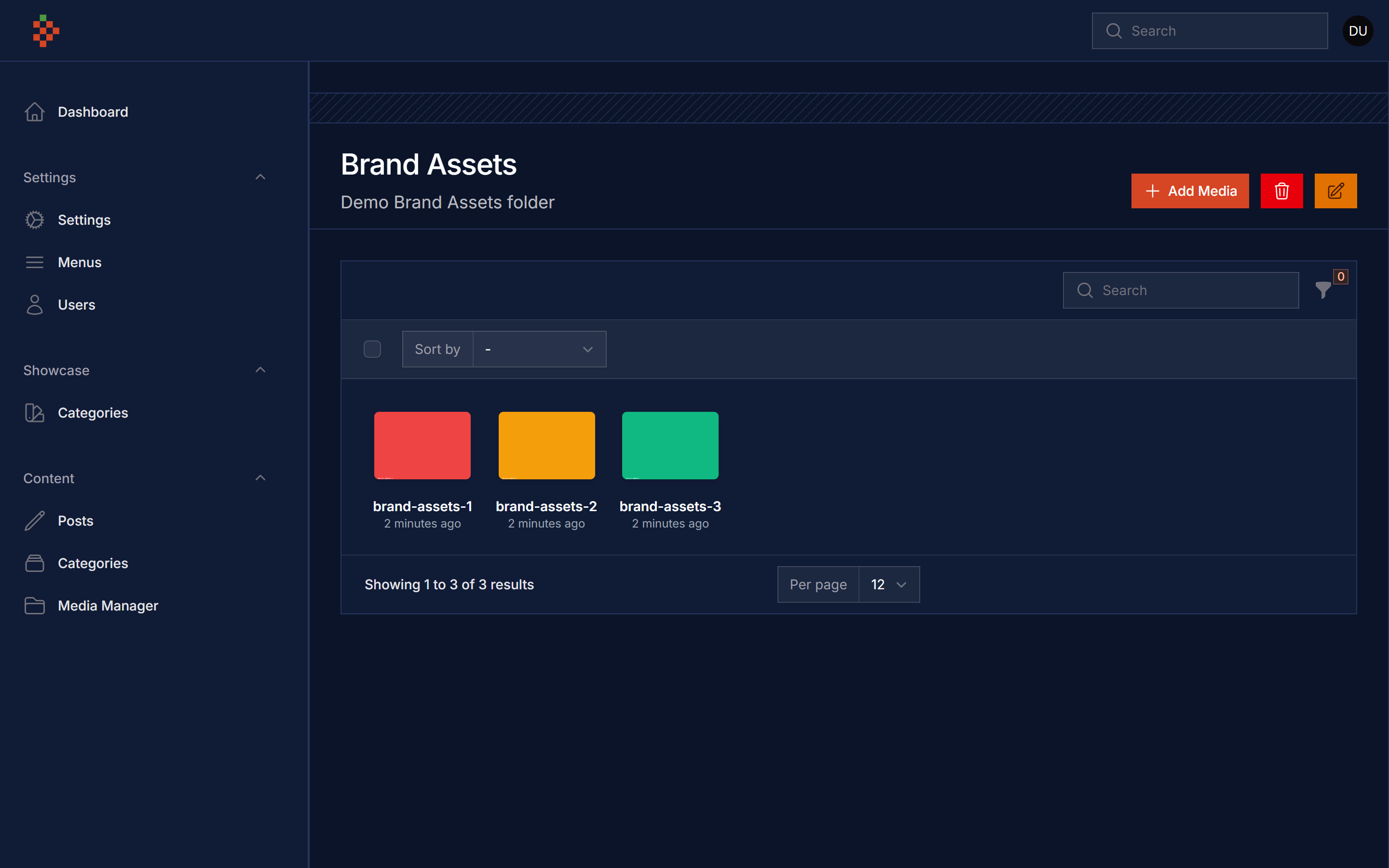
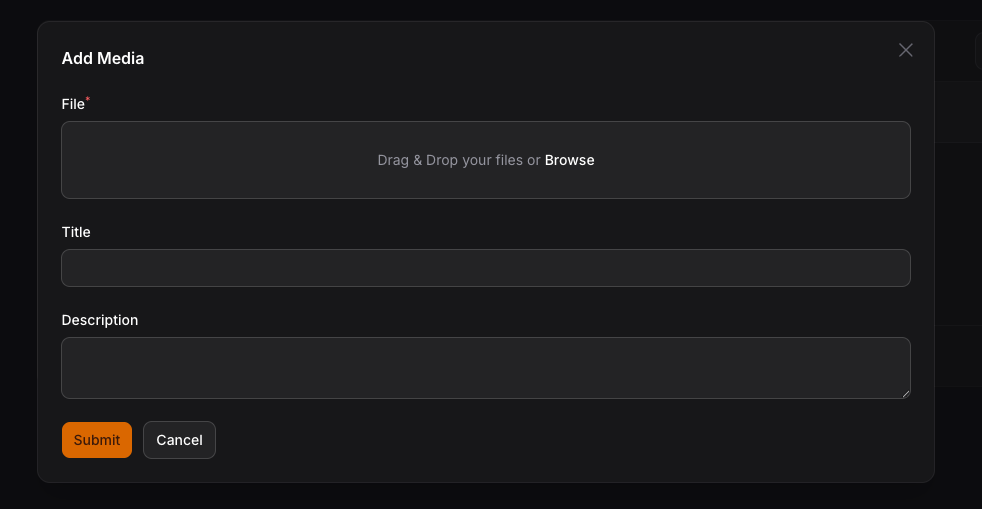
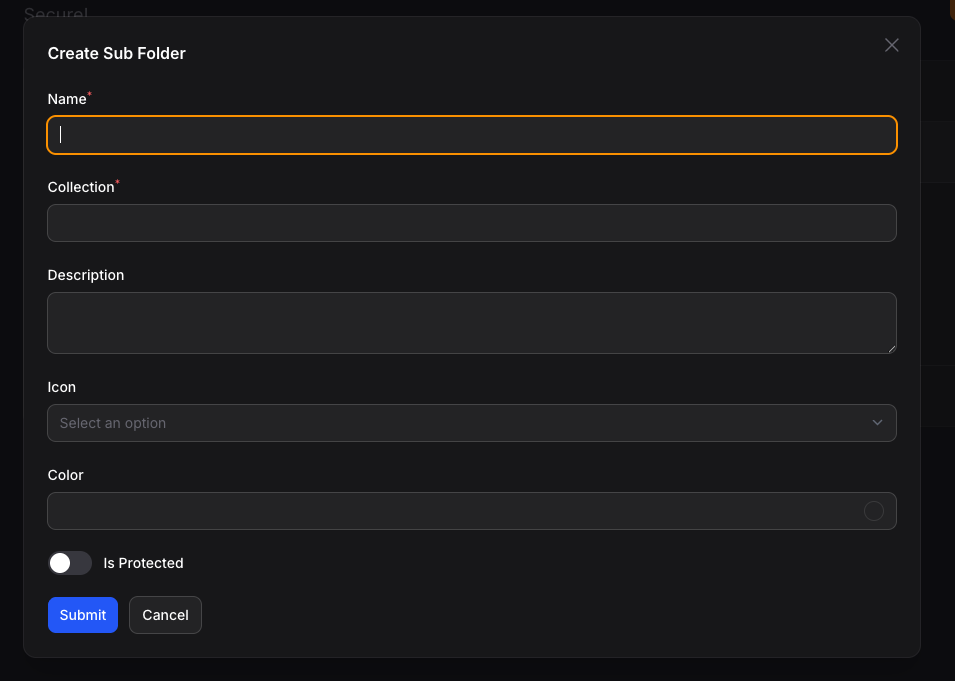


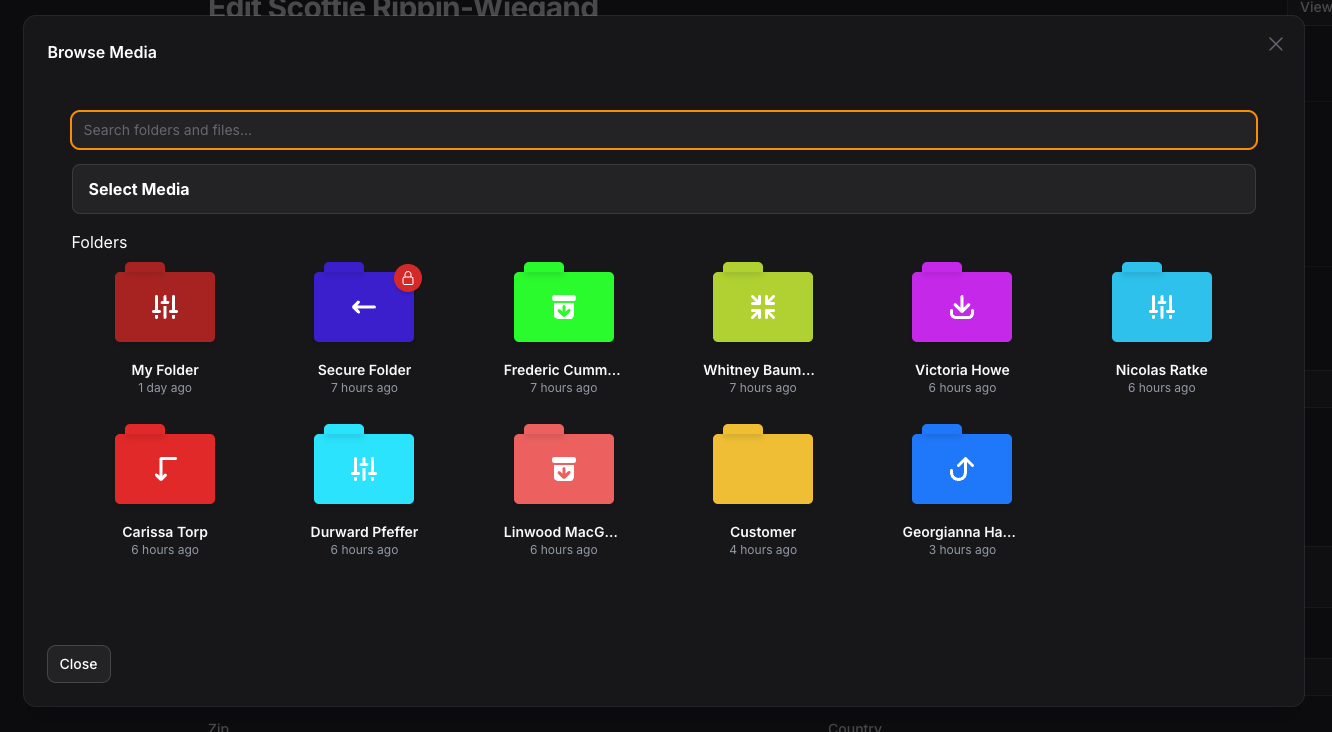
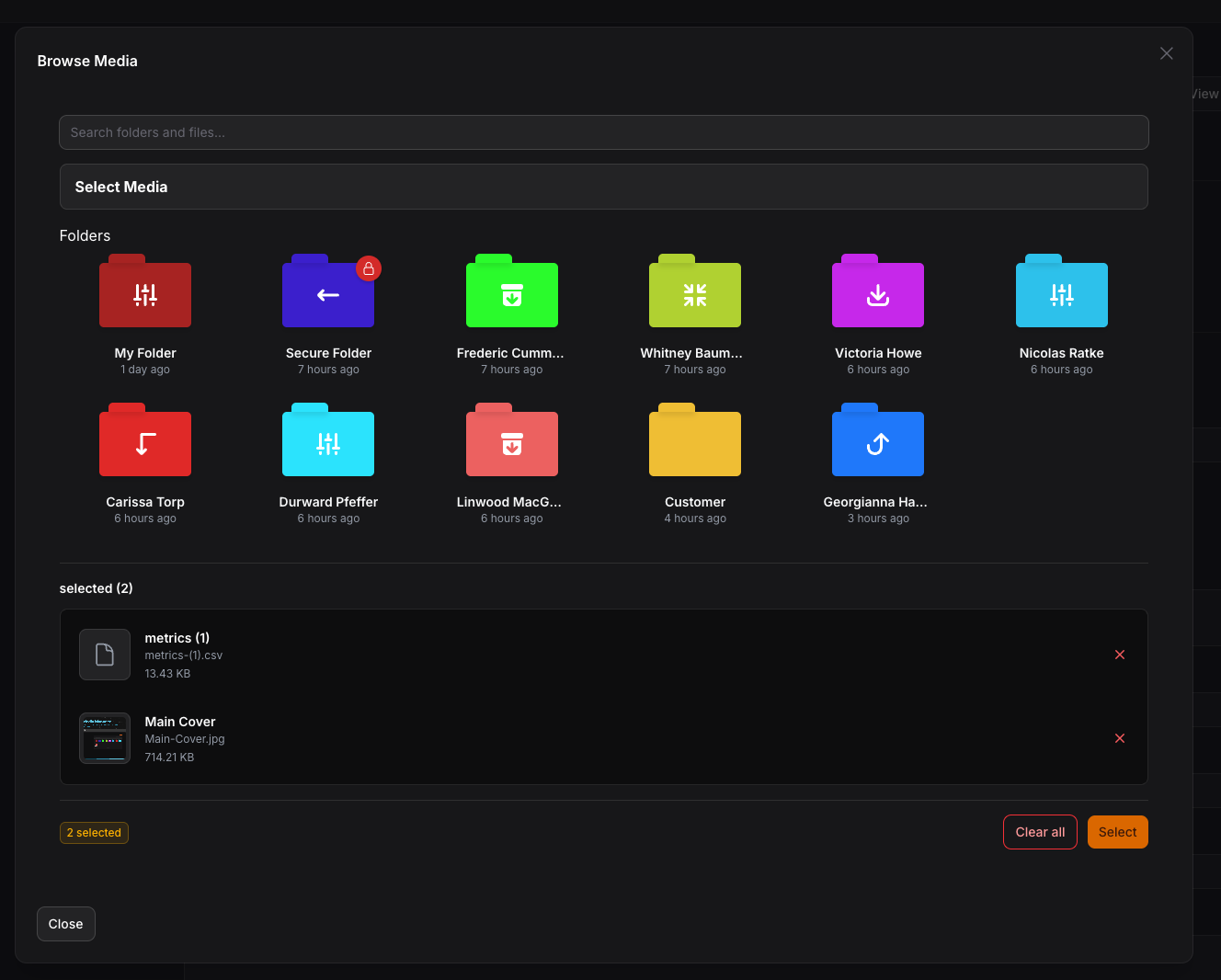
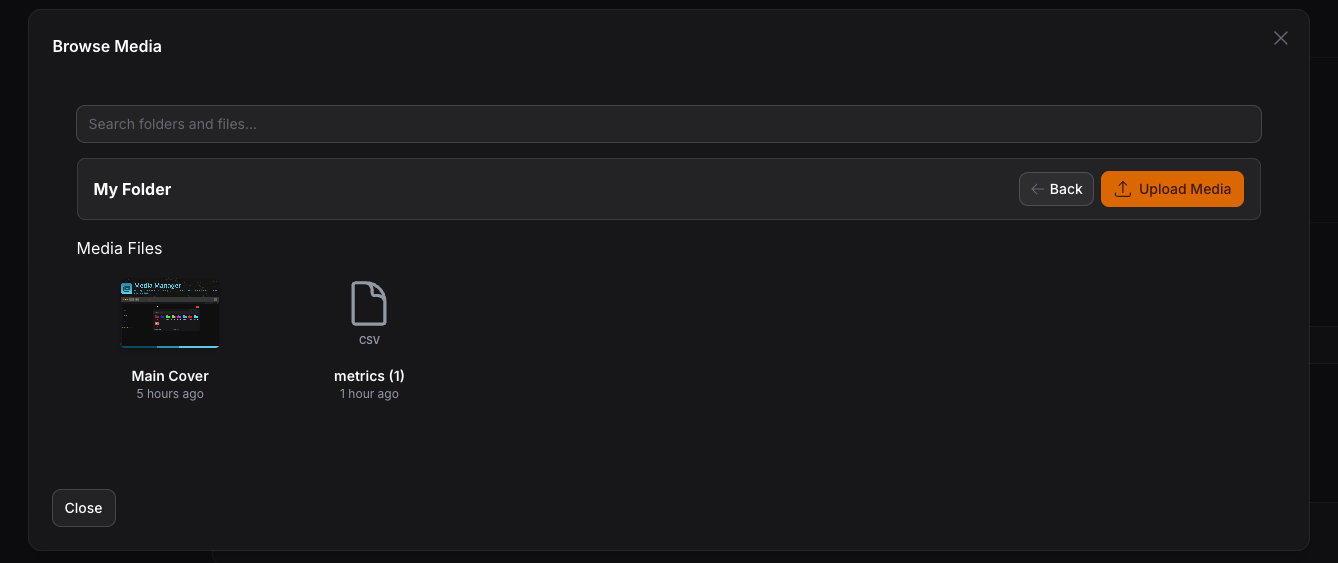
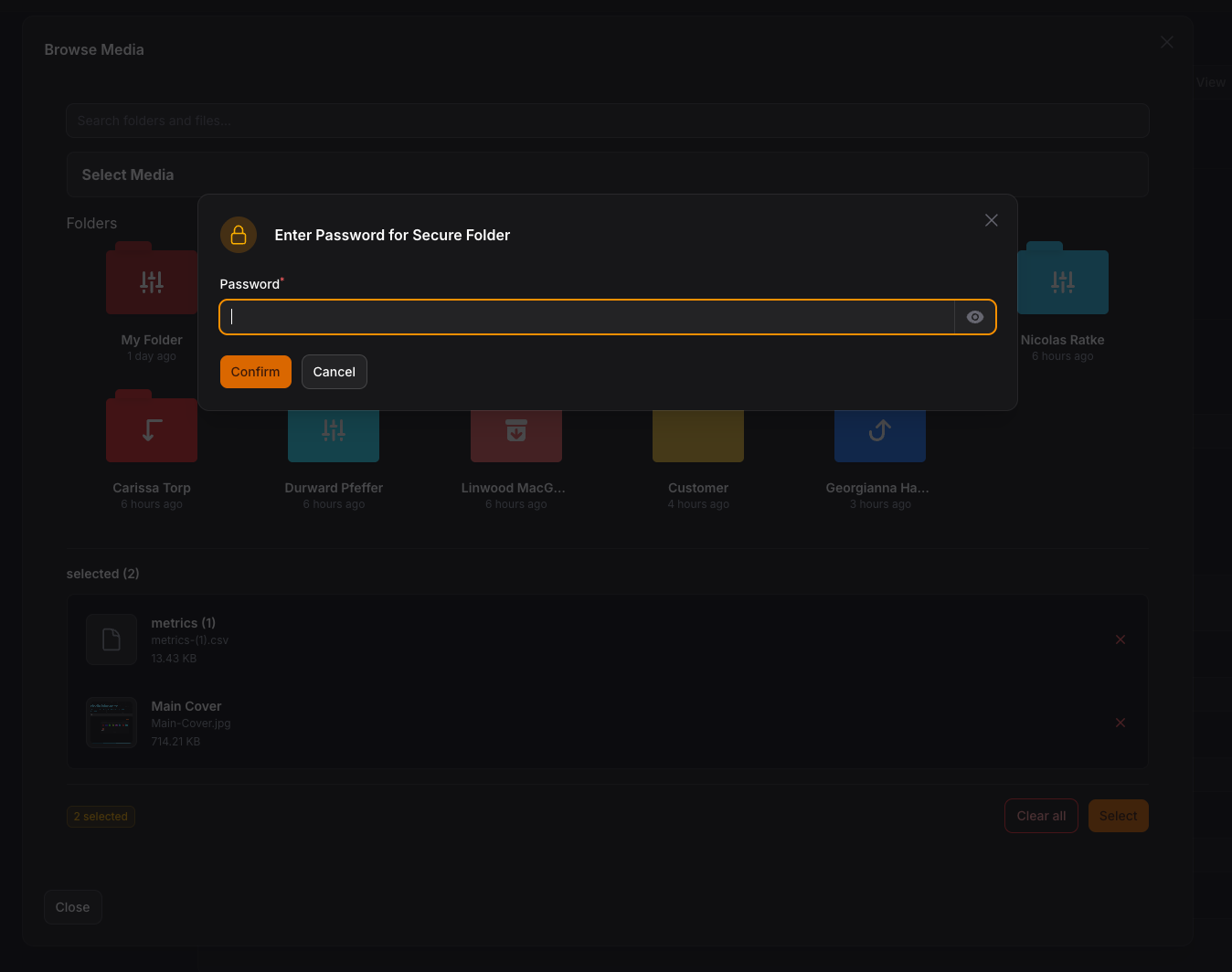
Usage
you can use the media manager by adding this code to your filament component
or you can use Media Library Picker like this
and on your model to manage your attached media
MediaManagerPicker Features
- Multiple/Single Selection: Use
->multiple()or->single()to control selection mode - Item Limits: Set
->maxItems(n)and->minItems(n)to enforce selection constraints - Collection Names: Use
->collection('name')to separate media for different pickers on the same page - Responsive Images: Use
->responsiveImages()to automatically generate responsive images with Spatie - Drag & Drop Reordering: Visually reorder selected media items with drag handles
- Password Protected Folders: Browse secure folders with password verification
- Live Preview: See selected items with preview thumbnails, file info, and remove buttons
- Dark Mode Support: Fully styled for both light and dark themes
- Auto-close Modal: Modal automatically closes after selection with success notification
Multiple Pickers with Collections
You can use multiple MediaManagerPicker components on the same page by using collection names:
Each picker maintains its own separate media attachments based on the collection name.
Working with Media in Models
InteractsWithMediaManager Trait
Use the InteractsWithMediaManager trait in your models to easily access and manage media attached via MediaManagerPicker: